
 FR
FR DE
DE EN
EN


Module library
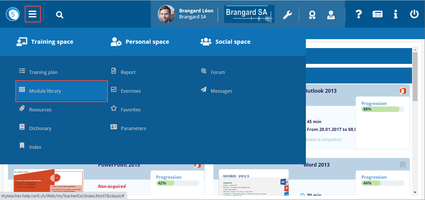
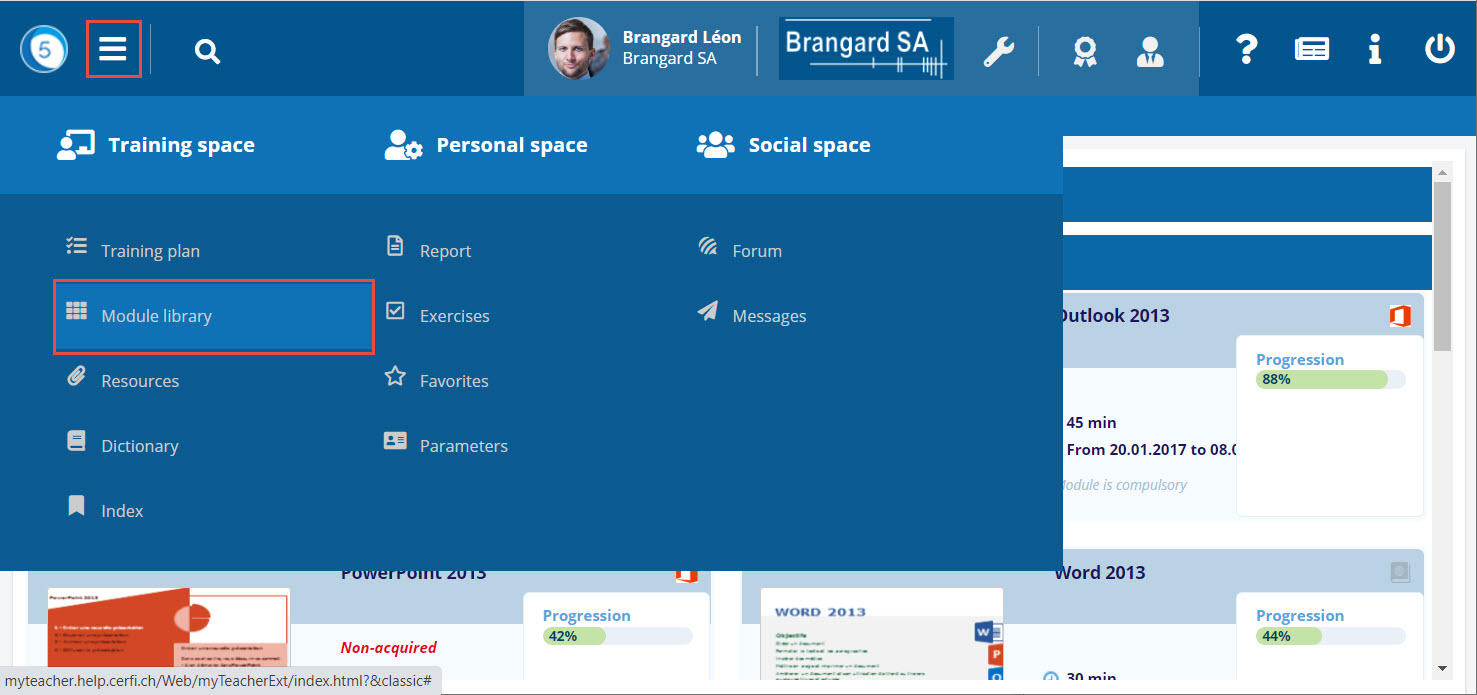
Module library access
The module library is accessible from the Burger menu in myTeacher, via the Training Space.
This item allows the user to request a registration to a module in free access to which he was not registered.
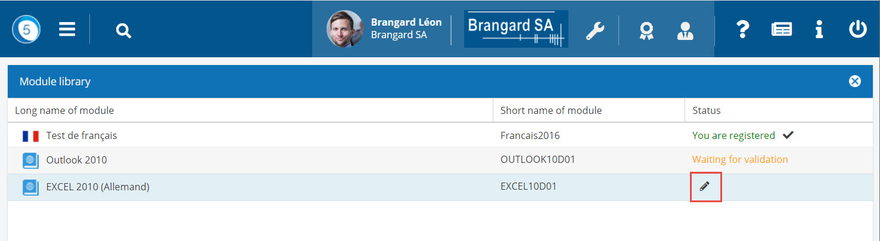
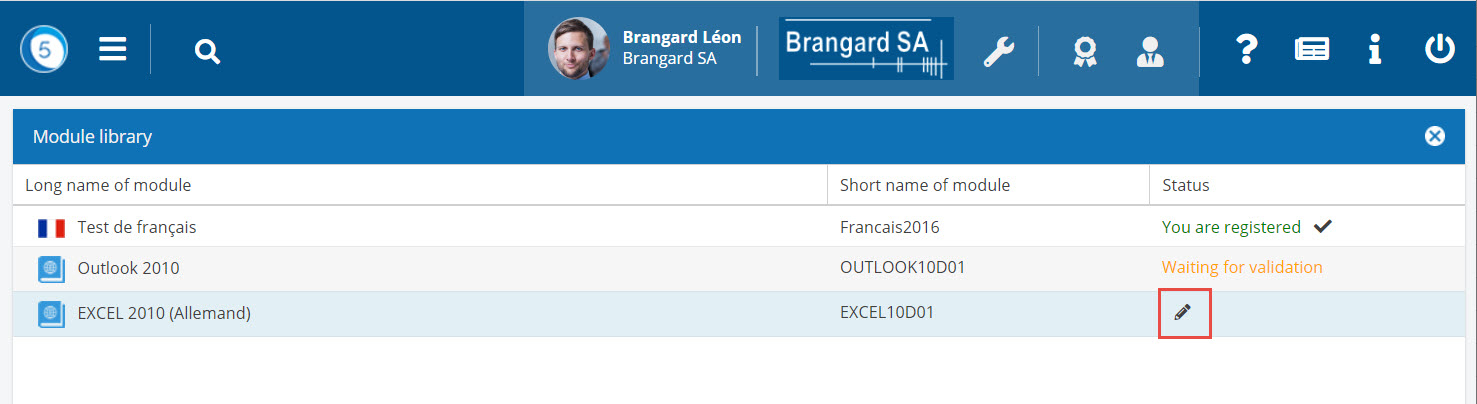
List of modules in the set of modules
The window module library lists all the modules for which the user can request a registration.
Click on the button pencil to register to the module.

Status of the request
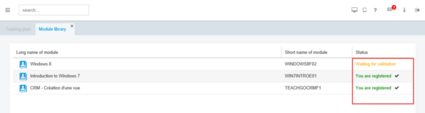
After the request for registration there exist different status of the module.
 Waiting for validation
After having submitted a request for registration necessitating to be validated by a superior, the status of the module in the module library is Waiting for validation.
 You are registered
After having submitted a request for registration which does not necessitate further validation, the status of the module in the module library is You are registered.
The user always has the possibility to unsubscribe from the module. Just click on the cross next to the text You are registered.
It is not possible to unsubscribe from a module for which an administrator has enrolled us from our training plan.
 Request rejected
The administrator has also the possibility to refuse the request to register to a module. In this case, the status of the module in the module library is Request rejected.
The modules for which the user is registered by means of the module library appear in his personal cursus.