
 FR
FR DE
DE EN
EN


Change of password
The user has the possibility of changing his password. This data is modified in the user’s parameters.
Click on:
- the Burger menu, then on Parameters (in Personal Space)
- or on the User Profile
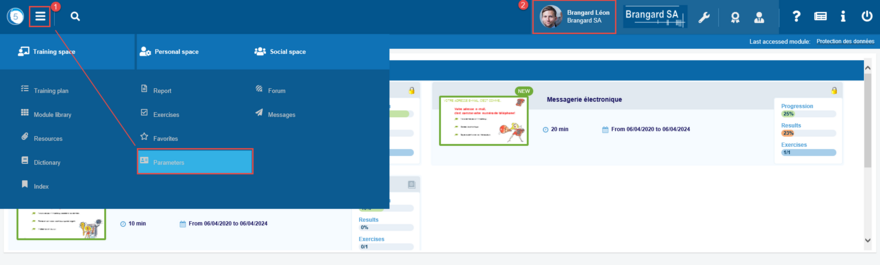
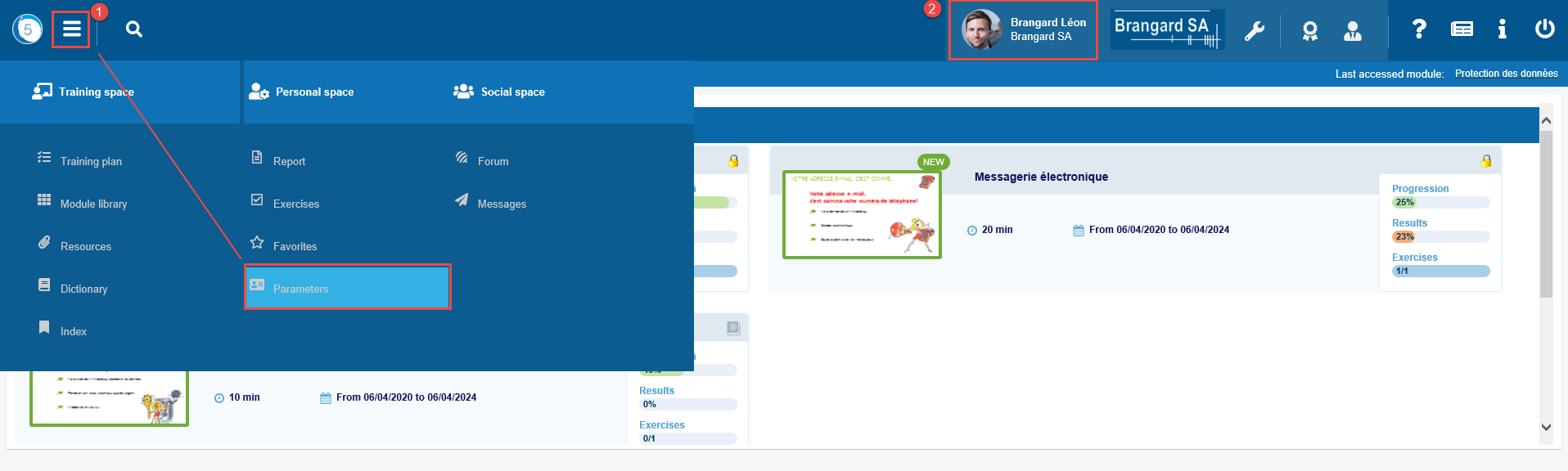
Access to the parameters
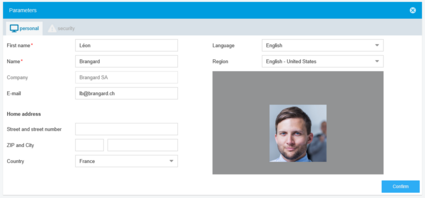
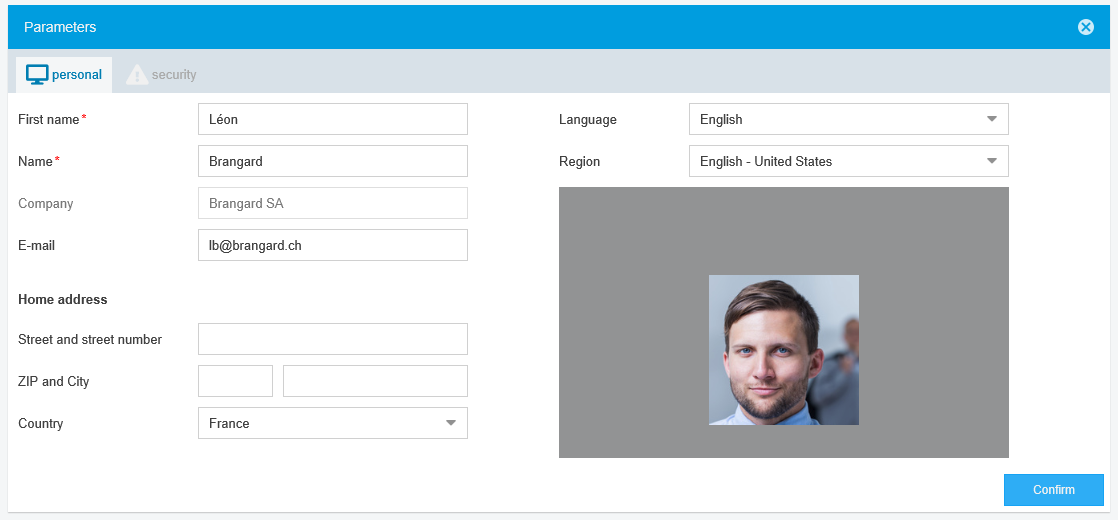
Personal settings
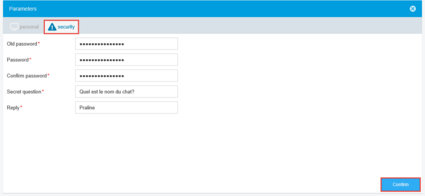
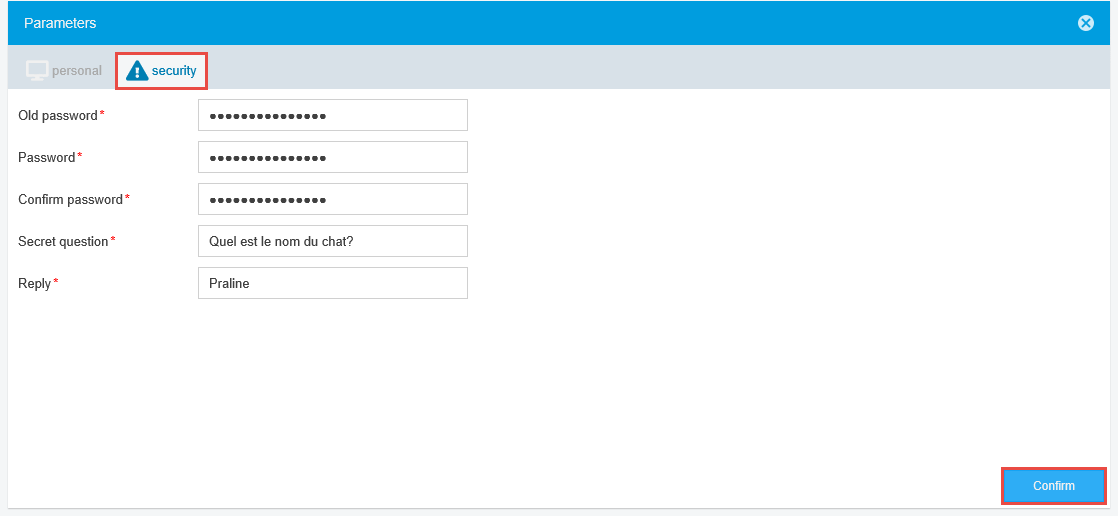
Click on the tab Security.
Security settings
Fill in the old password, the new one and confirm the new password. The content must be identical between those two fields.
And then click on Confirm.
Click on the little cross at the top right to return to the training plan.
We recommend passwords with:
- 8 characters
- capital and small letters, numbers and special characters