
 FR
FR DE
DE EN
EN


Opening a module
A user is registered to one or several trainings or modules. The modules are batched together in a training plan according to theme or level, this is what is called cursus.
Each module is itself structured in a chapter which includes one or several lessons.
In the training plan, it is possible to have different displays for the cursus: open or closed.
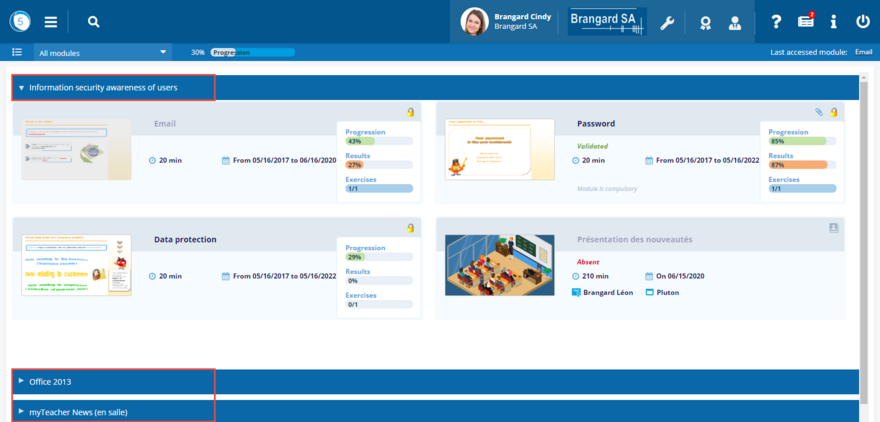
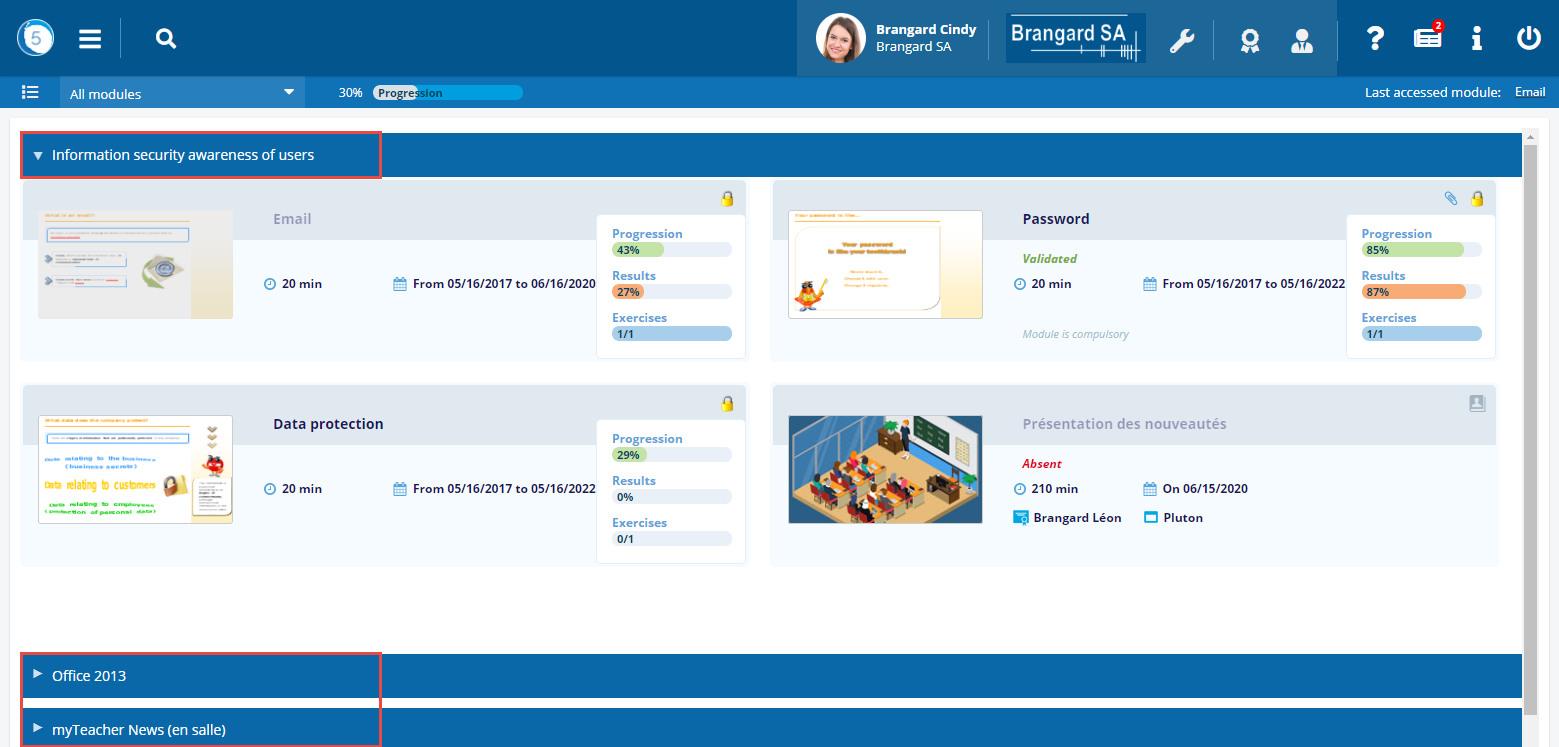
Click on the name of a cursus to open or close it.
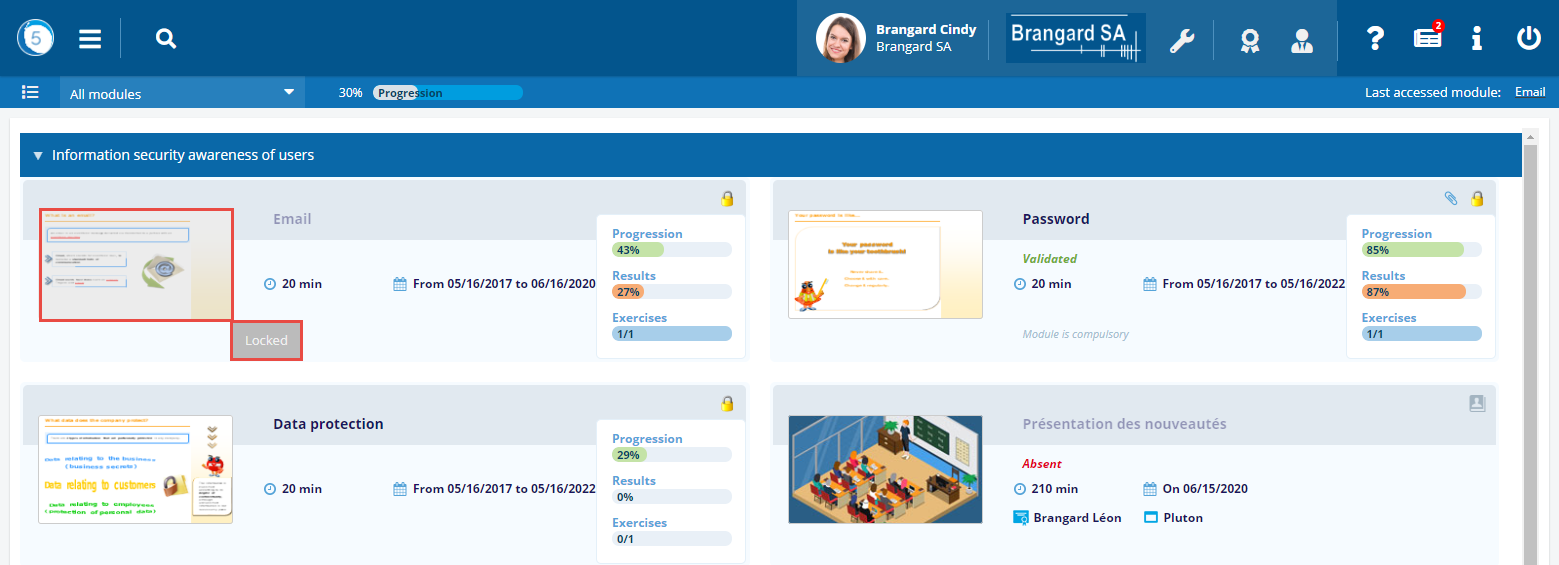
Module locked
A module can appear in grey. It is then no longer possible to visualize it.
By viewing it, a tool-tip is displayed and indicates the reason why the module is locked.
To open a module, click on its name or on its thumbnail.
Remark: the module can be displayed directly in the mode full screen, thus offering a better reading, if the administrator has defined that at the level of the module.


Last accessed module
Make use of the link Last accessed module to have access quickly to the last browsed training.
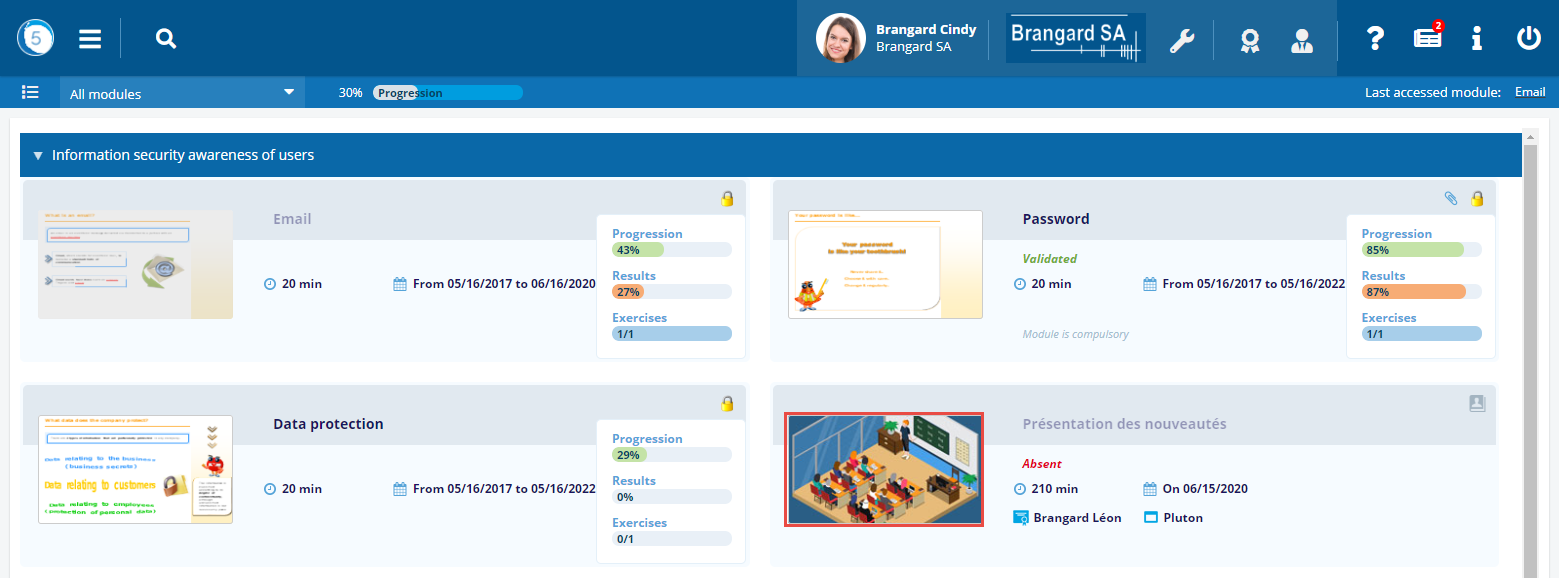
Classroom trainings
On top of the online modules, myTeacher allows to manage classroom trainings.
Those trainings are defined by the combination of a date, start & end times, as well as a trainer. Please note that resource allocation is also made possible.
Remark: A session will be greyed out when it is actually completed.
Classroom trainings
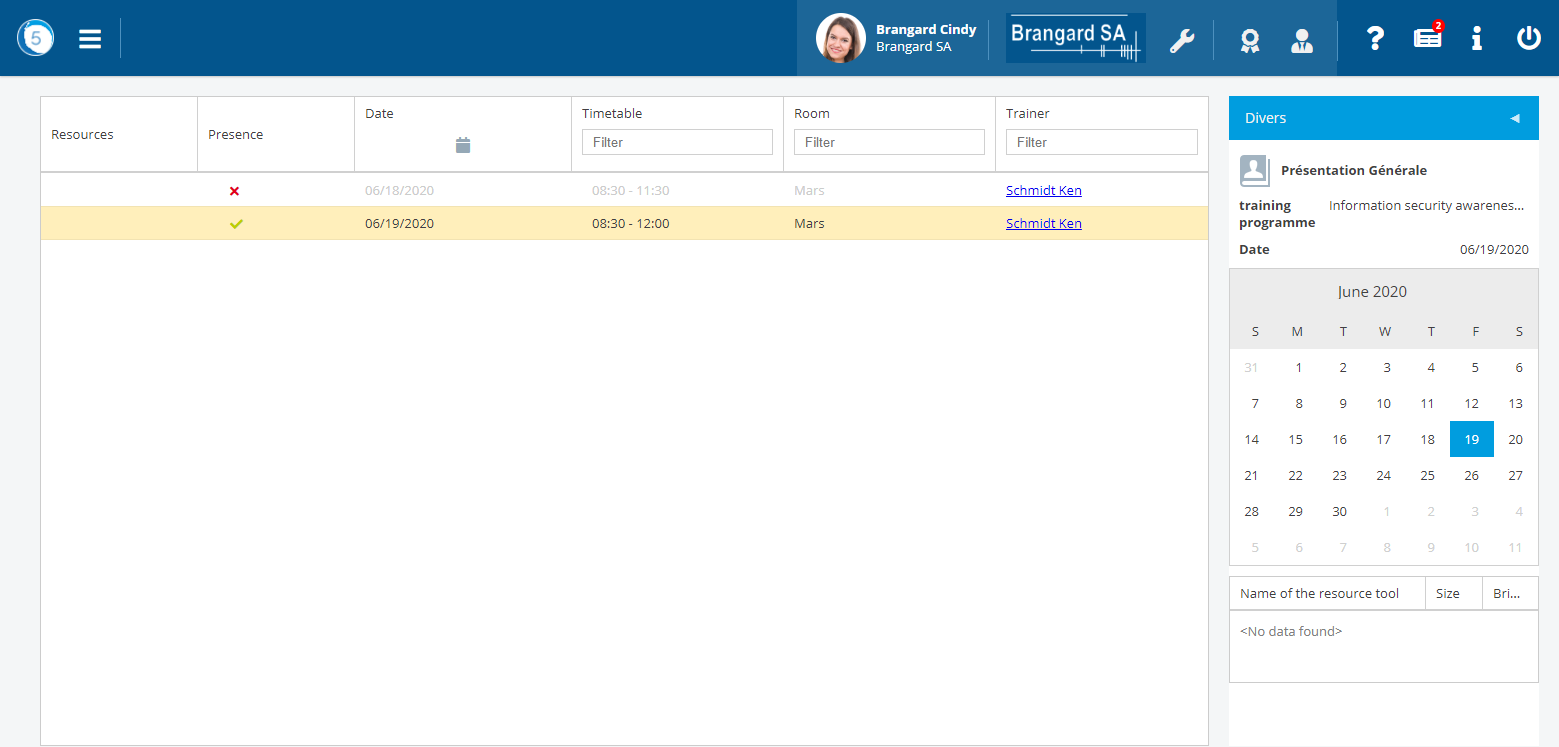
To get information on any specific classroom training, please click on one of its occurrence displayed in the overall training plan.
Classroom training informations
If the administrator has associated a webinar with an classroom training, via a video-conferencing tool such as Skype, Jabber or Teams for example, click on Follow the webinar.
You will then be able to participate directly in this distance learning.
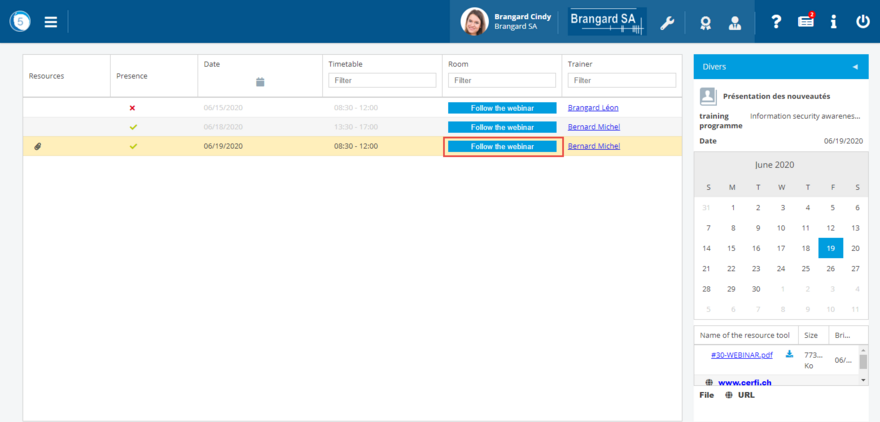
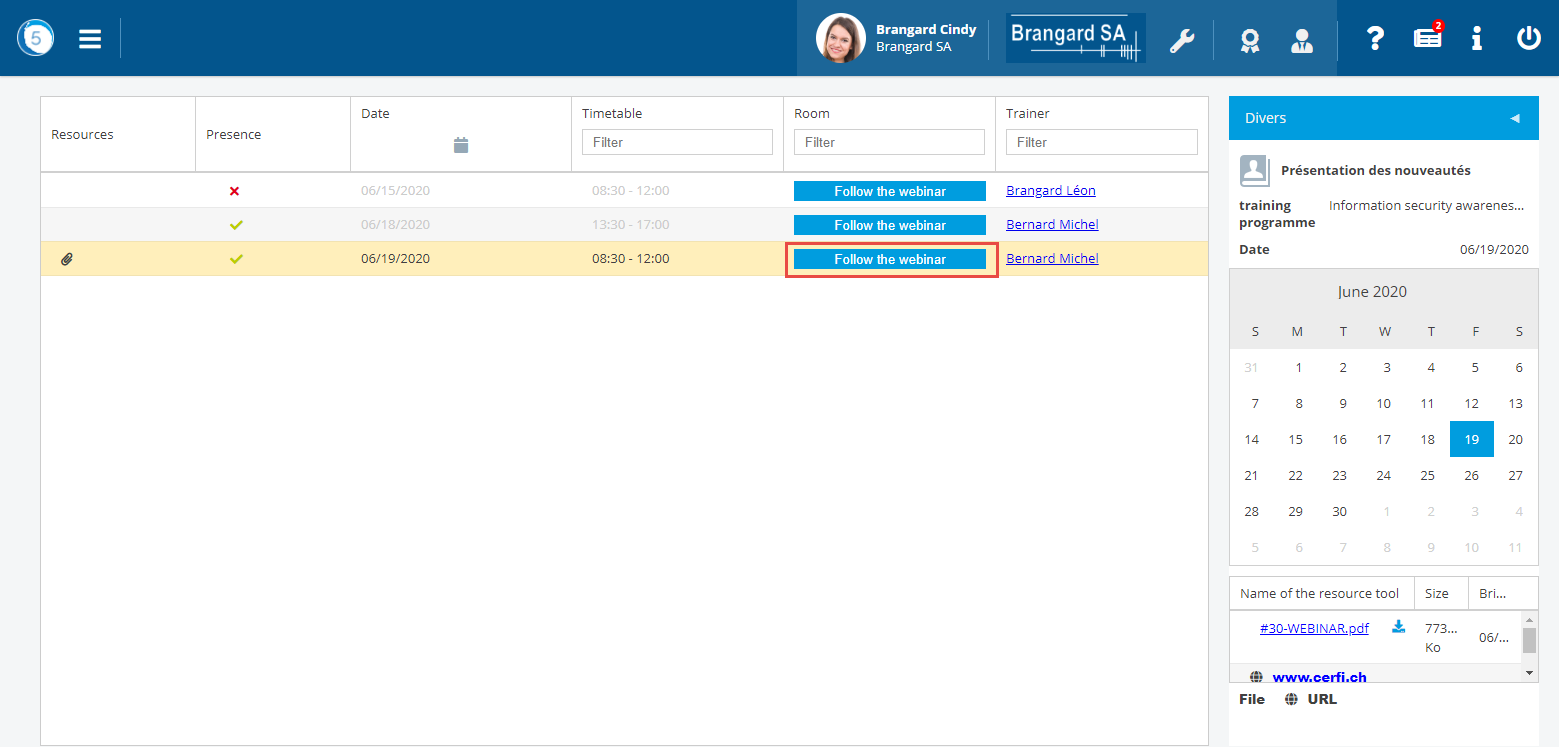
Classroom training informations with webinar