
 FR
FR DE
DE EN
EN


Resources
The resources are elements added to the module.
They can be of the type:
- File
- Bibliography
- or Internet link
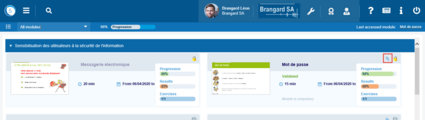
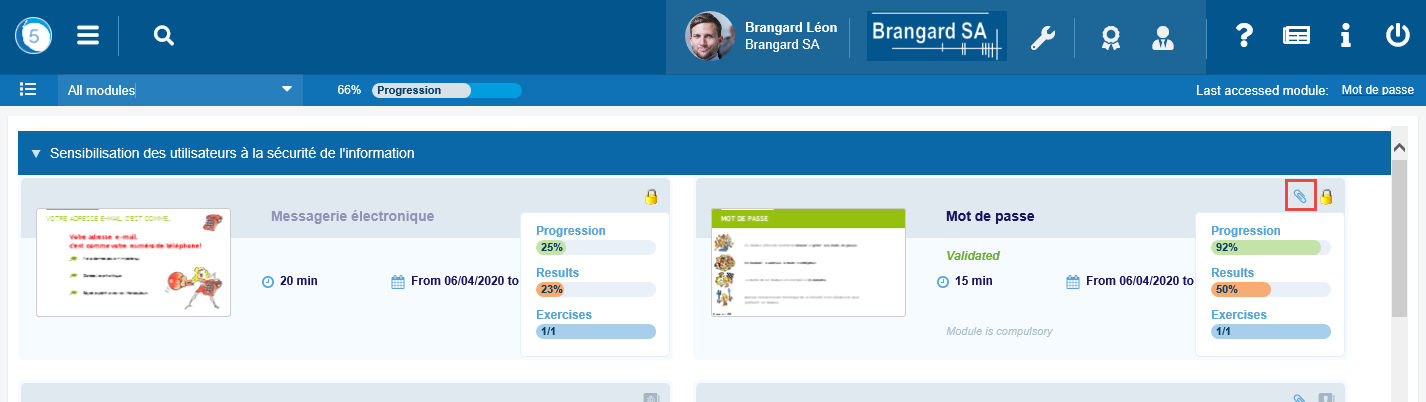
Paperclip
When a paperclip is displayed to the left of the category of the module, it means that the latter has one or several resources.
Click on this paperclip to access it.
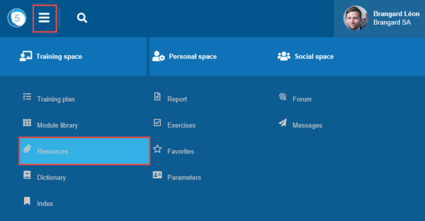
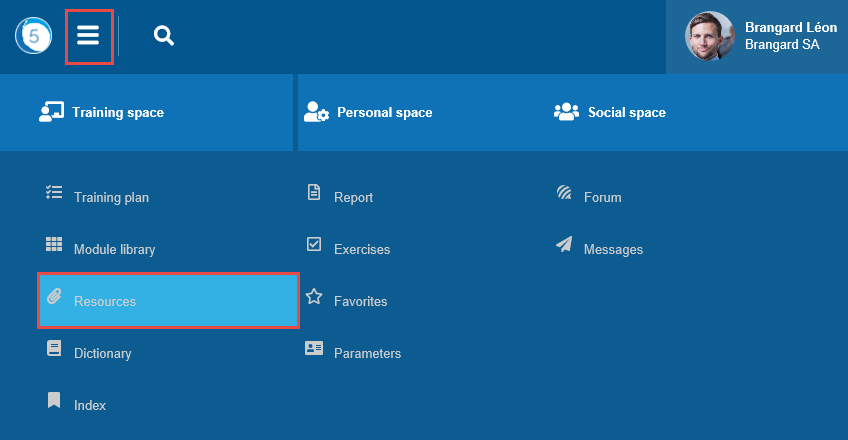
Access to resources
Click on the Burger menu then on Resources to display the resources of all the modules to which the user is registered.
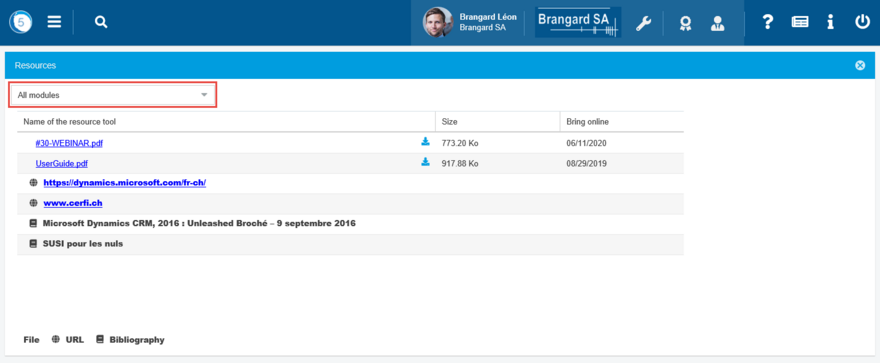
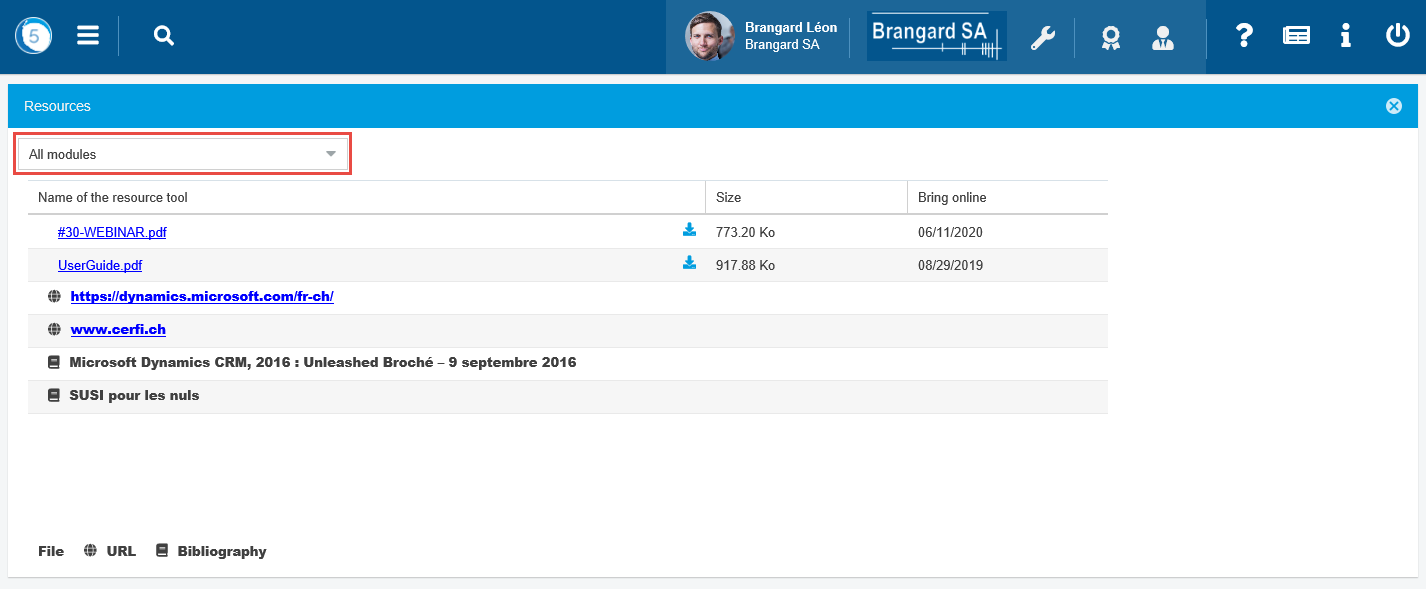
Window of Resources
Click on the links to open the files or the Internet links.
A legend at the bottom of the window provides information on the type of resource.
It is possible to display the resources of a given module. For that, select the module in the drop-down list.
To have access to the resources directly from a module (see Navigation in myTeacher > Tools of navigation).