
 FR
FR DE
DE EN
EN


Animations
From the last version of myTeacher (5) it is no longer possible to integrate the content Flash (.swf).
The integration of a module is done henceforth at the format HTML5 (via myRenda).
The publication of the animations must therefore be done also at the format HTML5.
You can use Captivate 7 (or more) which allows to generate animations at the format HTML5.
After the publication of the animation, one obtains a folder with the different elements linked to the animation, and also a file index.html.
Store the complete folder in the main folder anim of the module.
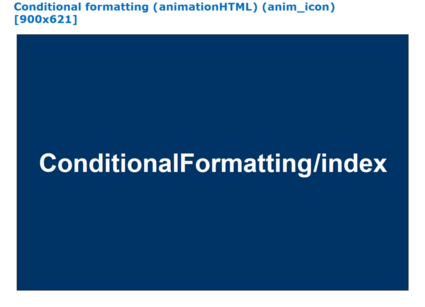
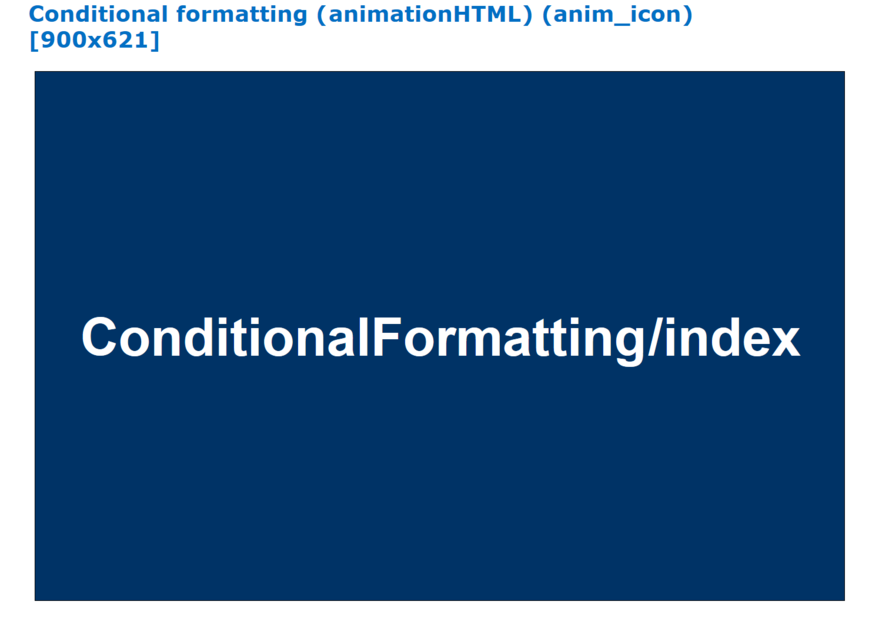
Animation content HTML5
In the main PowerPoint, the slide containing the animation is a "normal" slide (not hidden).
It contains a rectangle with:
- the name of the subfolder of the folder anim (here ConfigIE)
- followed by the name of the animation, without extension (here index)
The animation appears centred in the drawn up rectangle (here above in blue), proportionally to the size of the capture.
The title of this slide contains:
- the name of the lesson
- necessarily followed by "animationHTLM" between brackets
- eventually followed by "anim icon" between brackets in order to have the icon animation in the summary of the module
- followed by the size of the animation HTML5 between brackets (here 1024x768)
With captivate, this corresponds to the size of the animation to which must be added 31 pixels in height to display the navigation bar.