
 FR
FR DE
DE EN
EN


Summary of a module
Summary of a module
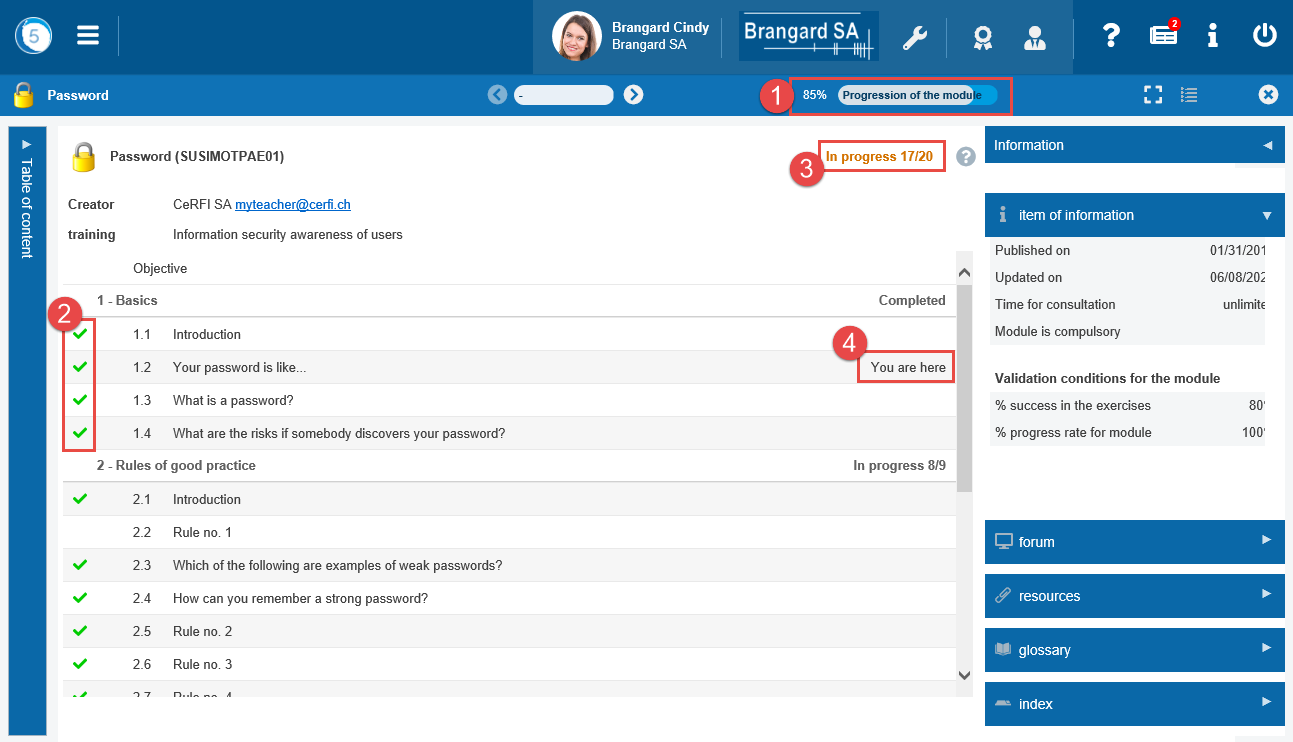
When opening a module, a new window opens and displays the summary of the module. This summary contains information on the progress in the module:
-
the degree of progress of the module, that is the percentage of the lessons covered. This progress is displayed all along the course of the module
-
the green tick indicates a lesson which has been covered
-
the information in progress indicates the number of lessons covered in relation to the total number of lessons
-
you are here indicates the last viewed lesson
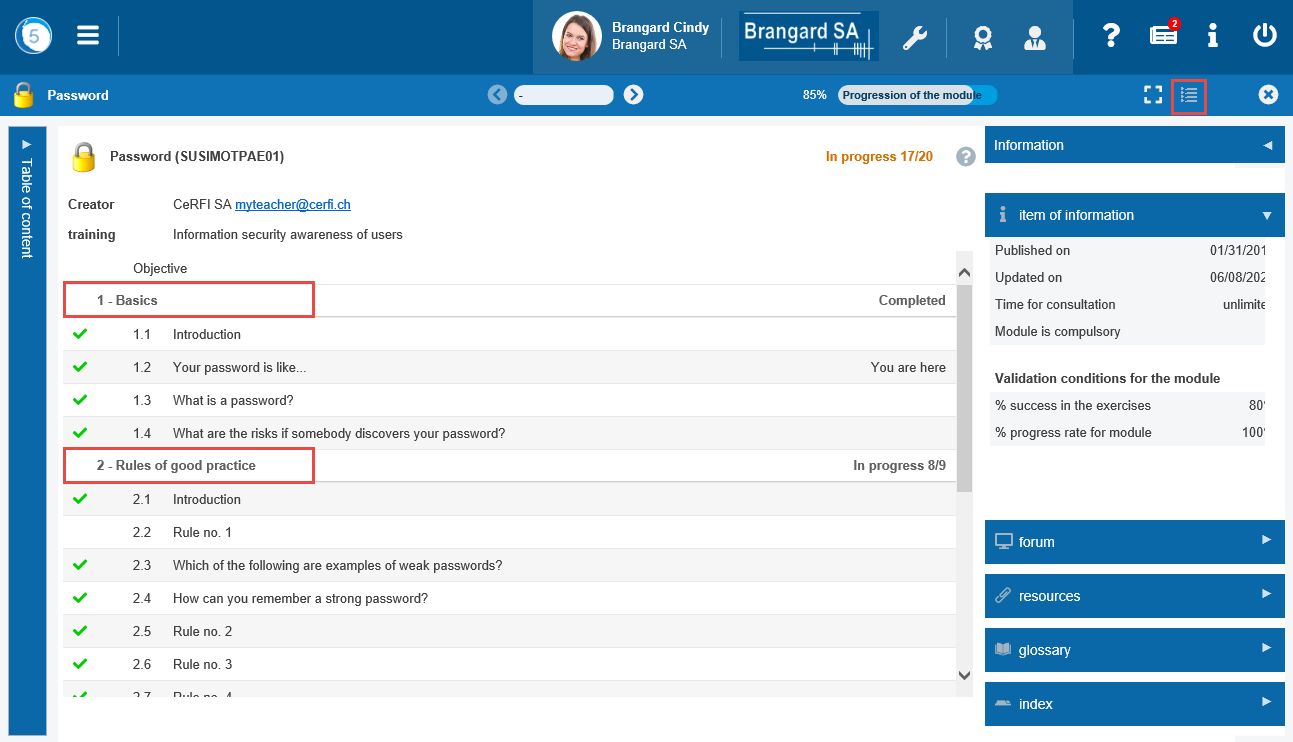
If the module contains chapters, the detail of its progress is displaced in the opposite side of each chapter.
Displaying the chapters with or without the lessons
- Click on the List button to display the chapters or lessons.
- Click on a chapter name to expand or collapse it.
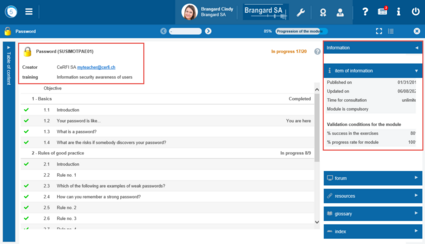
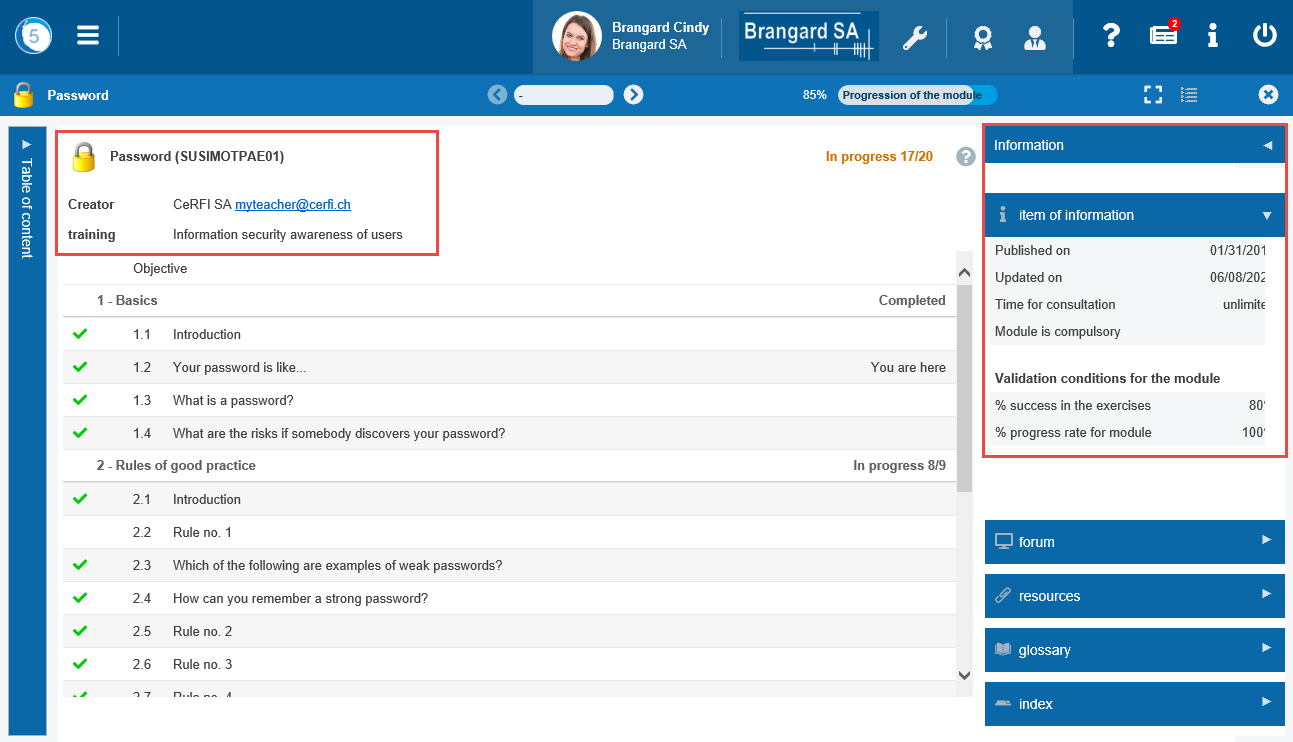
General information of the module
Above the summary one finds the long name of the module and the name of the cursus by which the module was opened.
To the right of the summary one finds the information on the limitations applied to the module or to the exercises.
Icons of the summary
In the summary, the icons inform on the content of the lesson.


Animation
 Exercise
 Audio
Audio
 Video
Video
 Survey
Mini summary
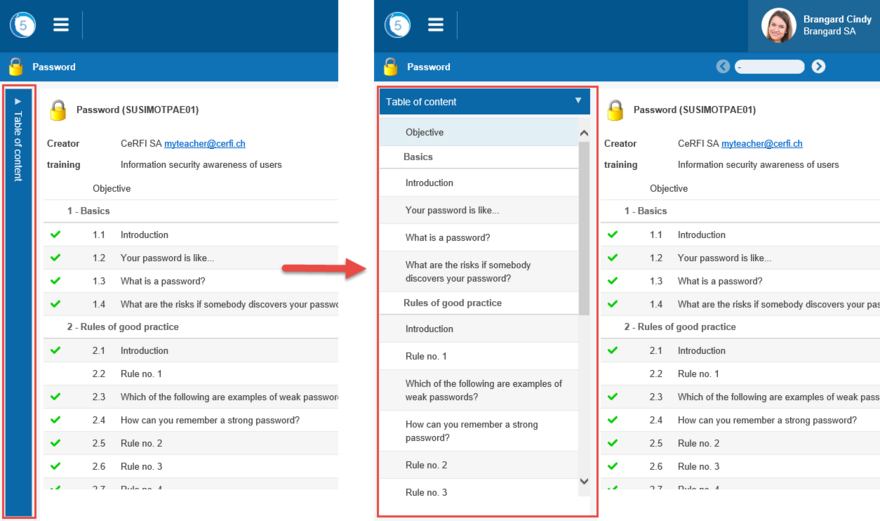
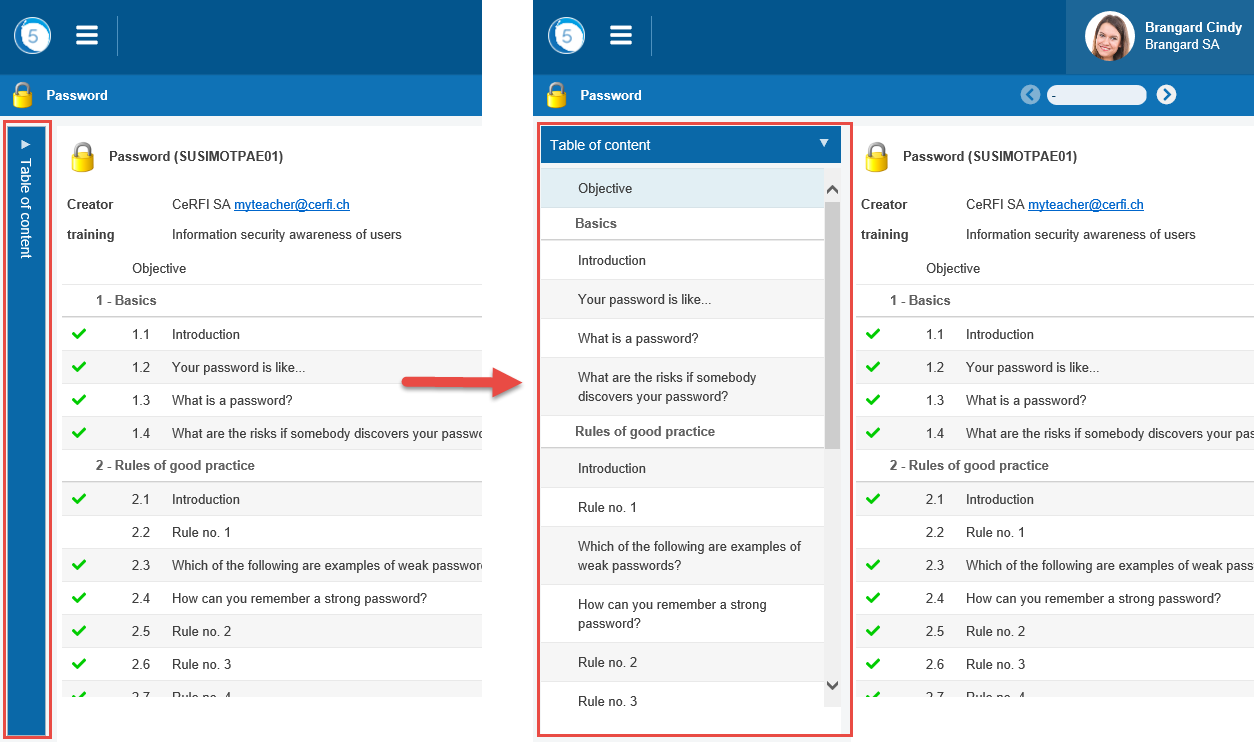
Mini summary folded-over or unfolded
The mini summary, always present in the folded over mode on the left of a module, represents the structure in chapters-lessons. By clicking on the name of the lesson, it opens in the window of the module.
Information panel
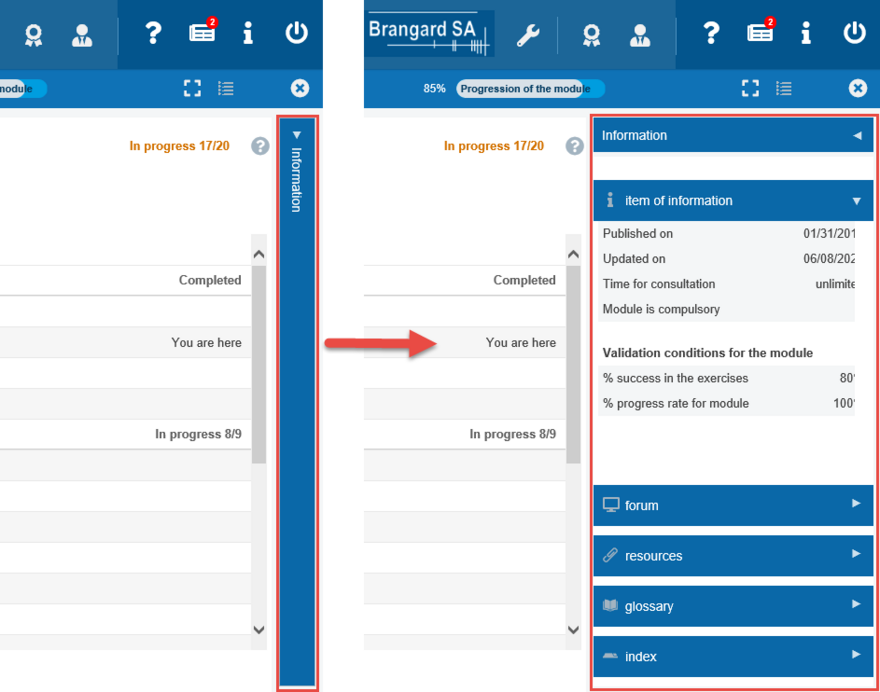
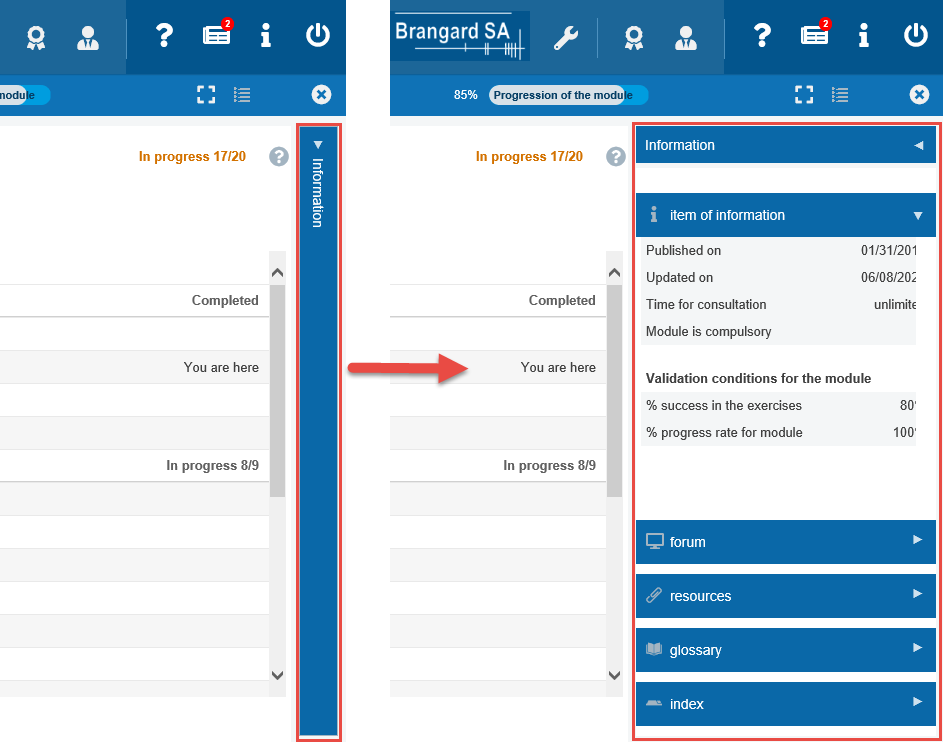
Information panel closed or open
The panel Information, always present in the folded mode on the right of the module, allows access to the tools linked to the module (dictionary, resources, forum etc.).
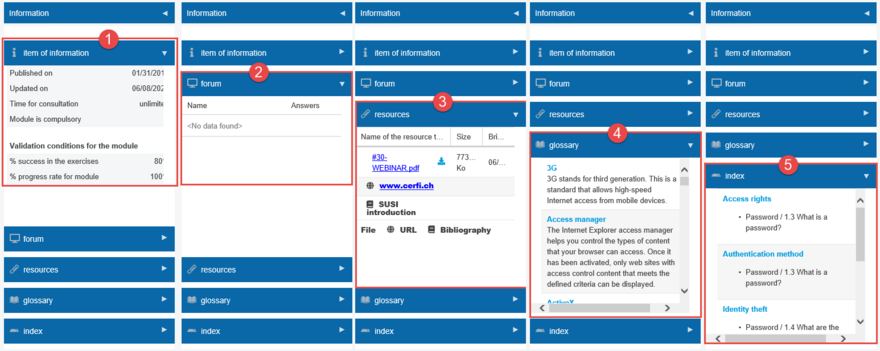
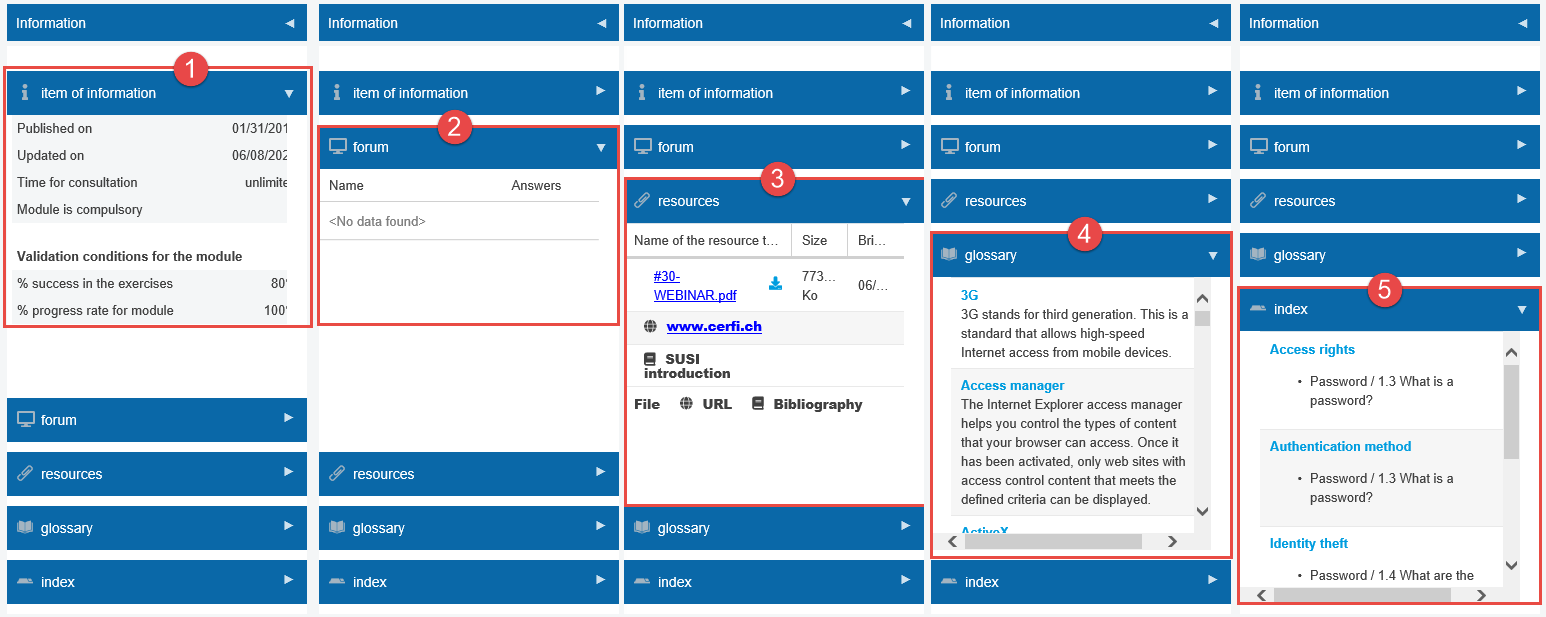
Information strip of the module currently in navigation
At any time, when consulting a module, click on:
-
Information to display information of the module
-
forum to access forums attached to the module
-
resources to have access to the resources of the module
-
dictionary to display all the definitions of the module
-
or index to visualize the indexes created for the module