
 FR
FR DE
DE EN
EN


Favorite
The item favorite allows to create directs links to the lessons which interest the user. The favorites can be classified by categories.
Creating a favorite
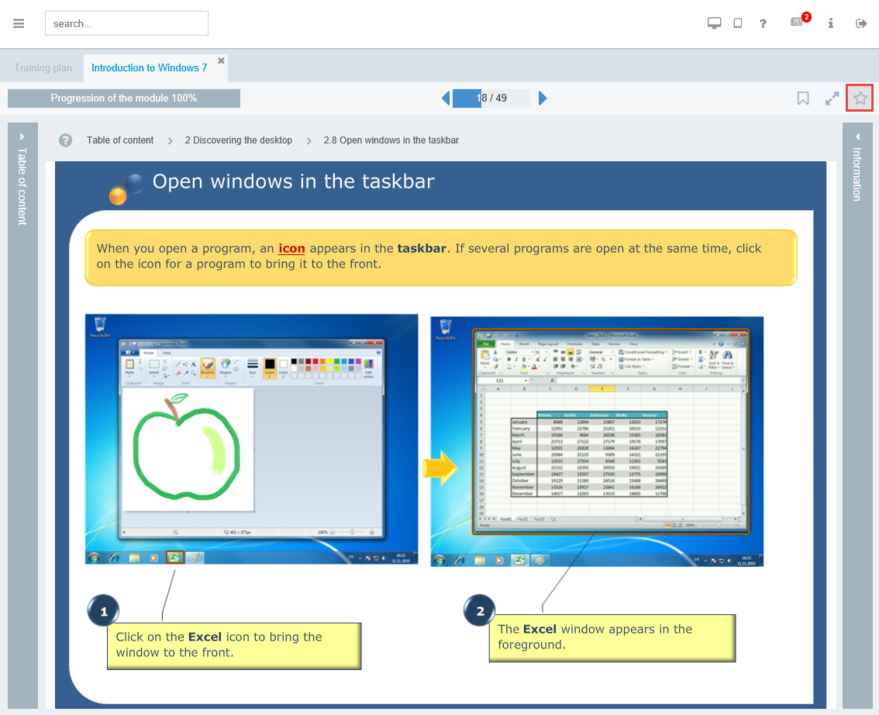
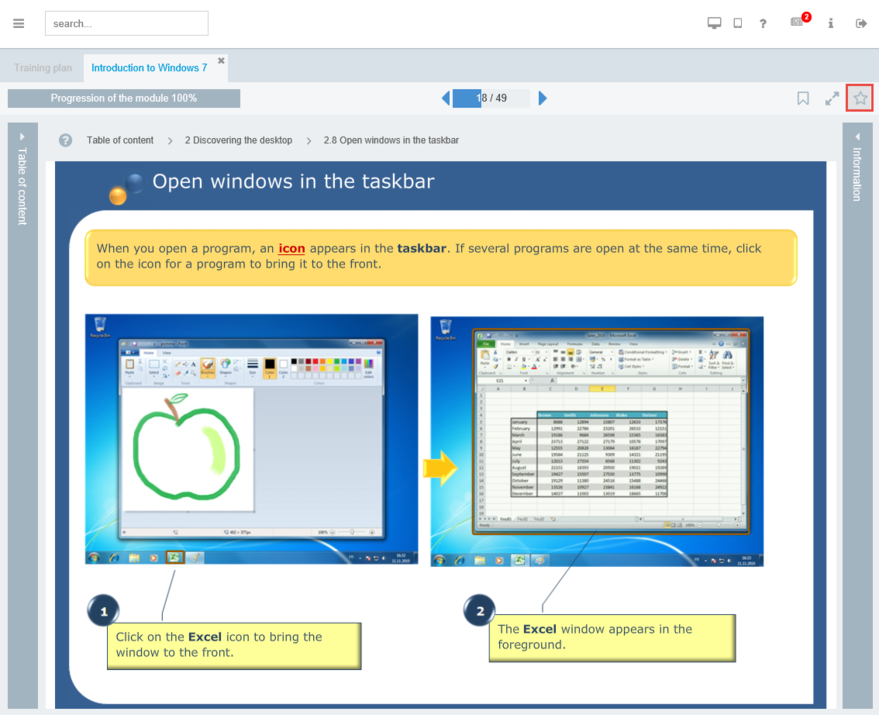
Window Favorite
To find again and consult easily the lesson in progress, add this last one to the favorites.
For that, click on the button "star" on top to the right of the lesson. It then appears full grey.
The lesson in progress is then added to the list of favorites.
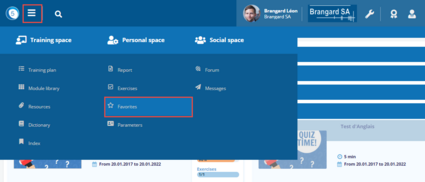
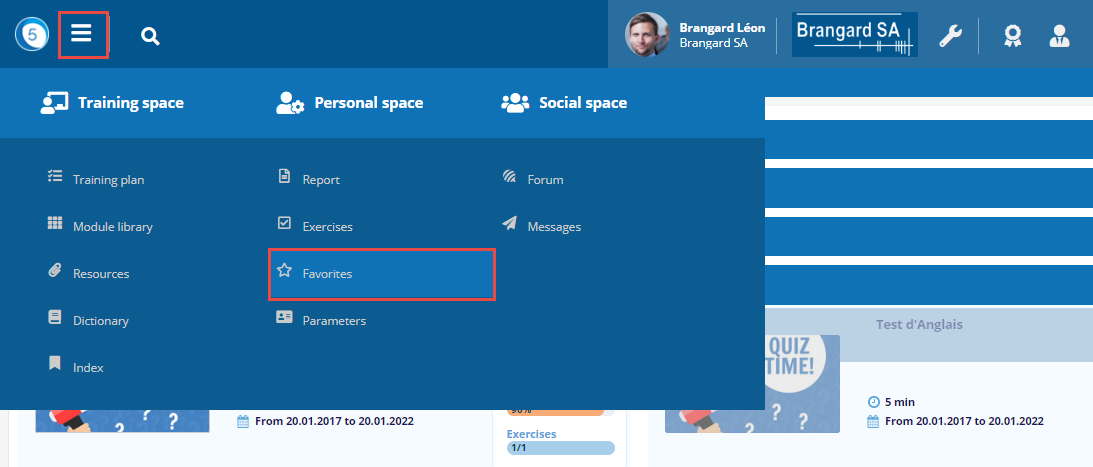
Access to favorites
Click on the Burger menu then on Favorites in the Personal space.
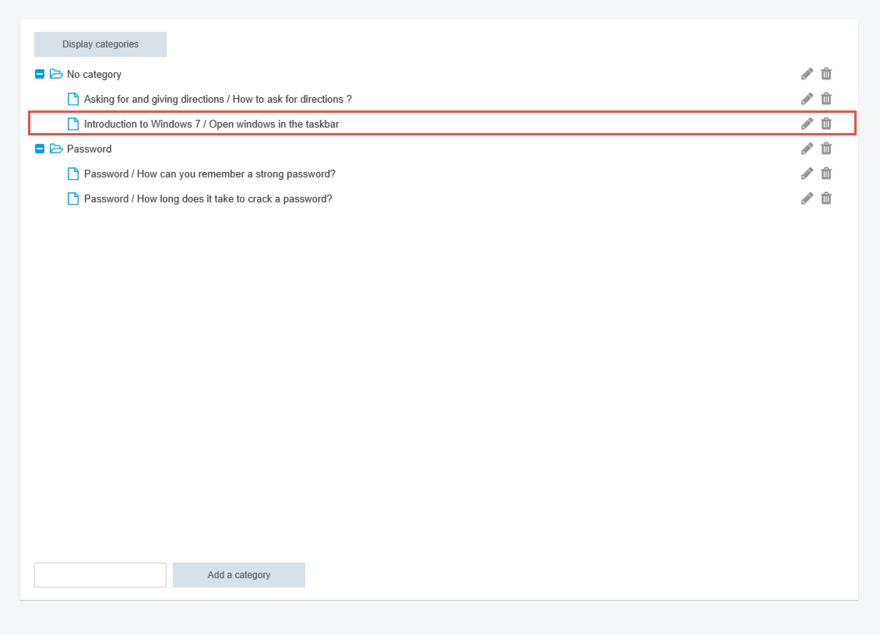
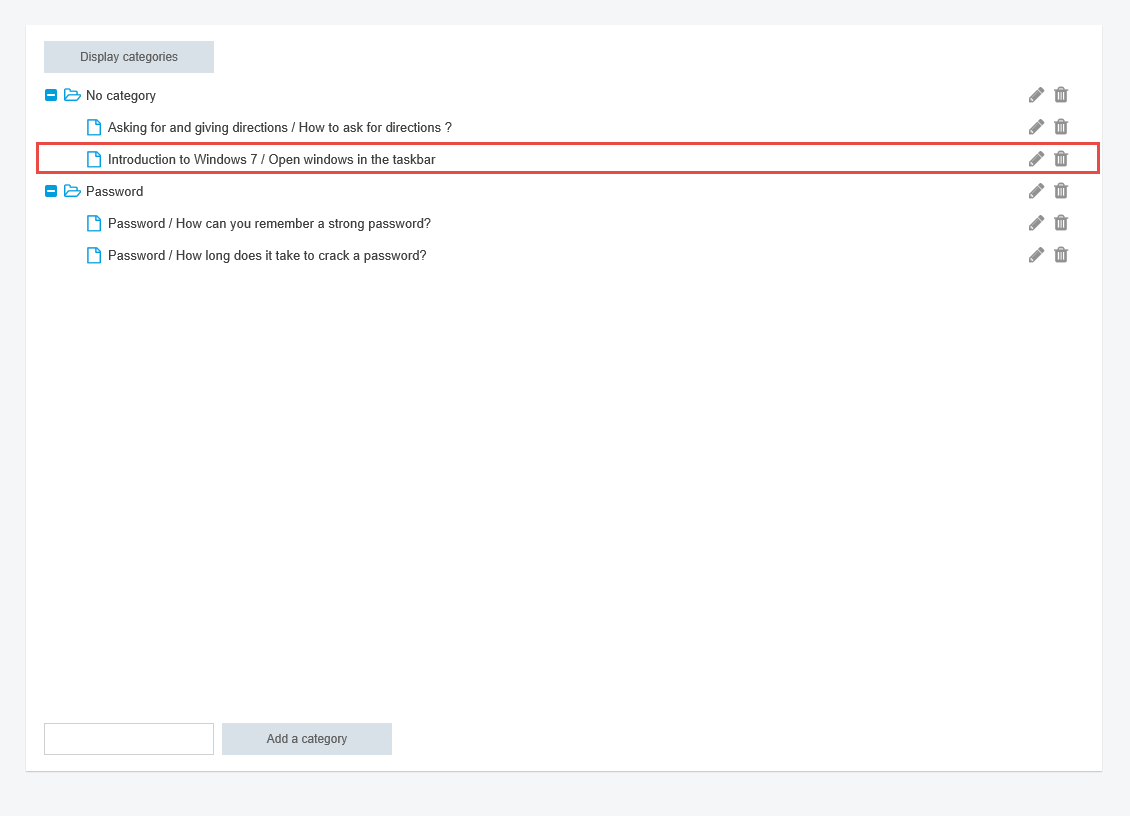
List of favorites
Management of the favorites
It is possible to rename or to cancel the favorite lessons and to classify them in different categories.
Classify


Adding a category
The categories allow to classify the favourites.
To add one, name the category and click on Add a category.
Moving a favorite
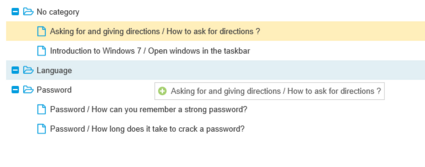
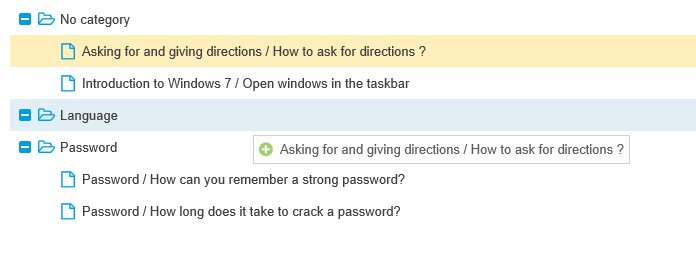
It is possible to move favorites from one category to another. Simply drag the favorite into the desired category.
Rename
Modify
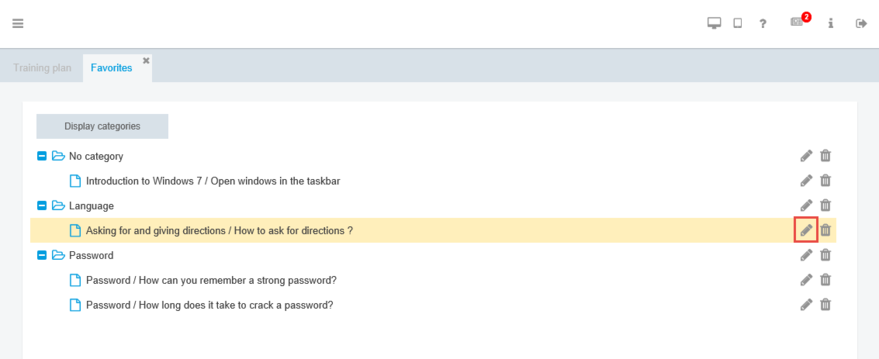
To rename a favorite, click on the corresponding button pencil.
Rename a favorite
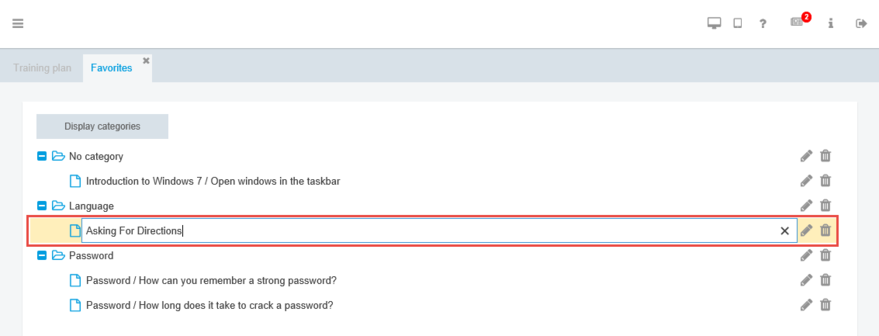
An area of text is displayed to allow the renaming of the favorite. Enter the new name.
Validate with the key Enter.
Cancel
Deleting a favorite
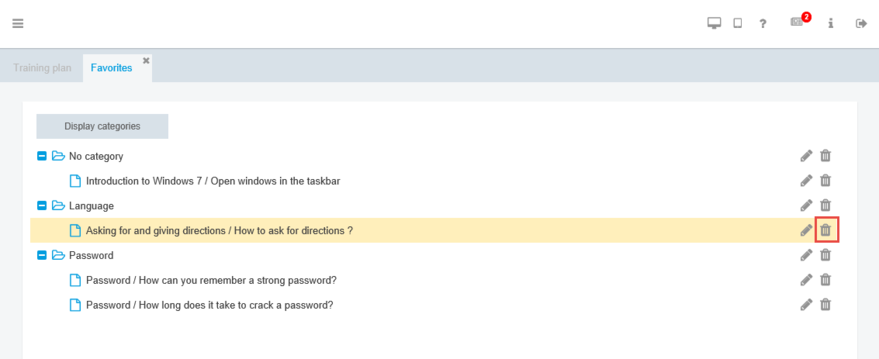
To cancel a favorite , click on the corresponding key Trash. Validate the deletion by clicking on Yes.