
 FR
FR DE
DE EN
EN


Parameters
The parameters re-group the information concerning the user.
The latter can modify some information concerning him/her, if the administrator has given the right (Settings administration).
Access to parameters
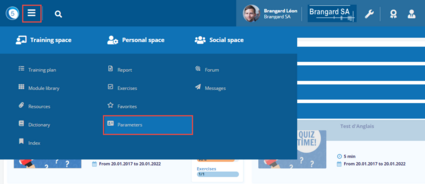
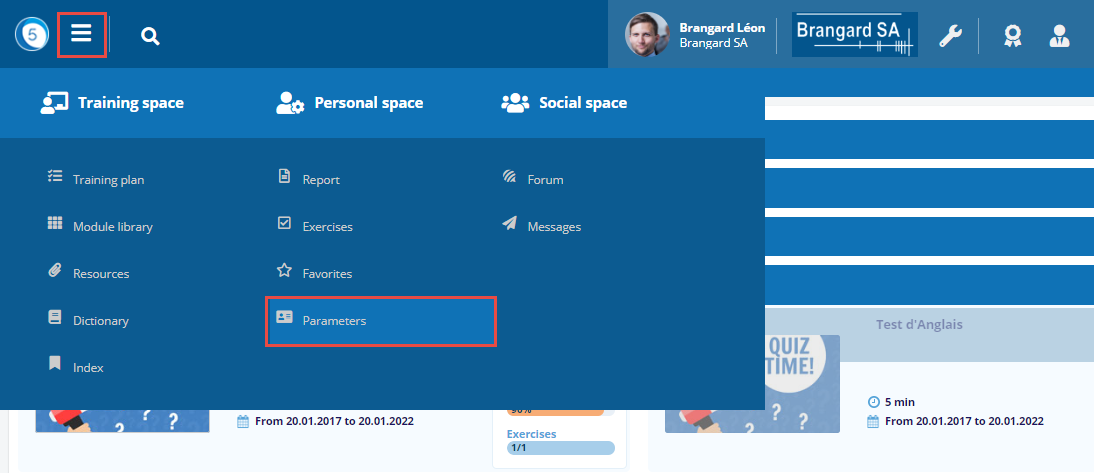
Click on the Burger menu then on Parameters in the Personal space.
Personal Parameters
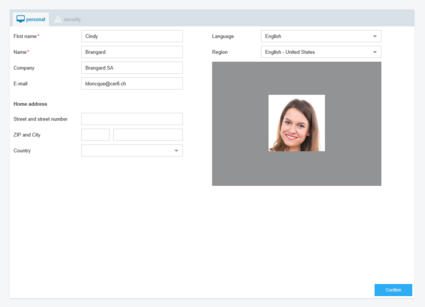
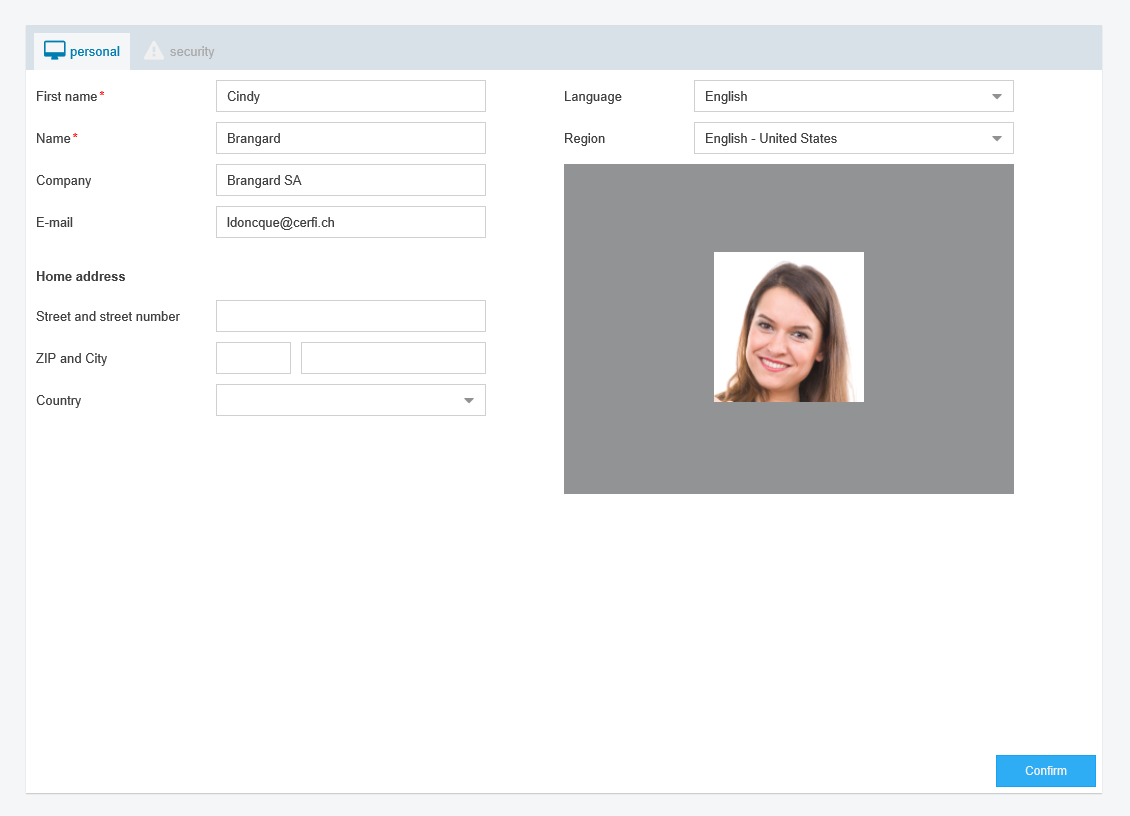
The window Parameter is displayed. All the fields which are clickable by the user can be modified.
Personalize the photo
It is possible to personalize one’s photo:
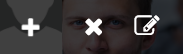
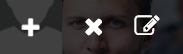
- click on the + to add one’s photo a first time
- click on the cross to cancel the current photo
- click on the pencil to modify the current photo
To have access to this function, the option Allow the user to modify his/her photo must be checked by the administrator (Management of parameters).
Parameters of security
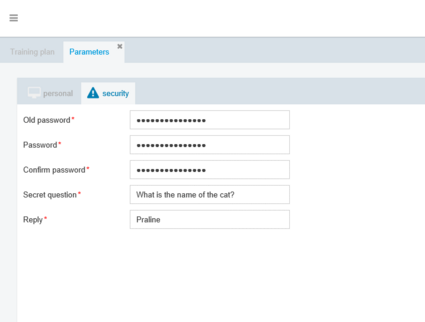
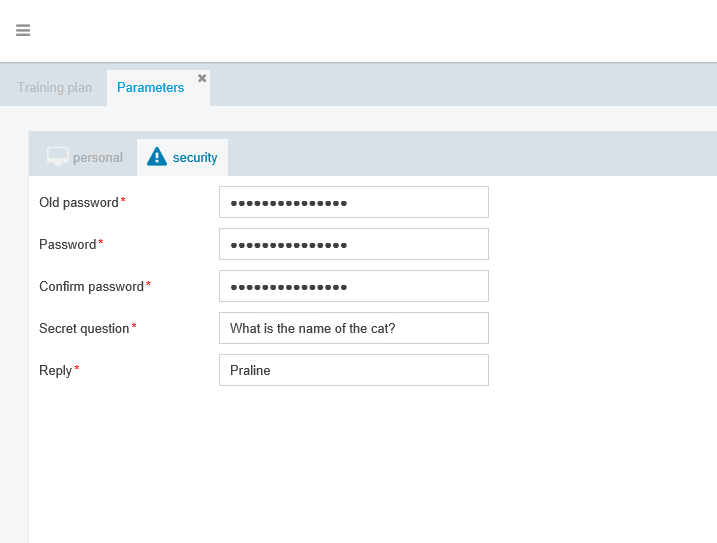
It is possible to change the password and the secret question and answer used when the password was forgotten.
Do not forget to save the modifications with to the button Validate.