
 FR
FR DE
DE EN
EN


Personal report
The personal report allows to see, for each module to which one is registered, his/her progress, the time spent on it and the percentage of success to the quiz.
Access to personal report
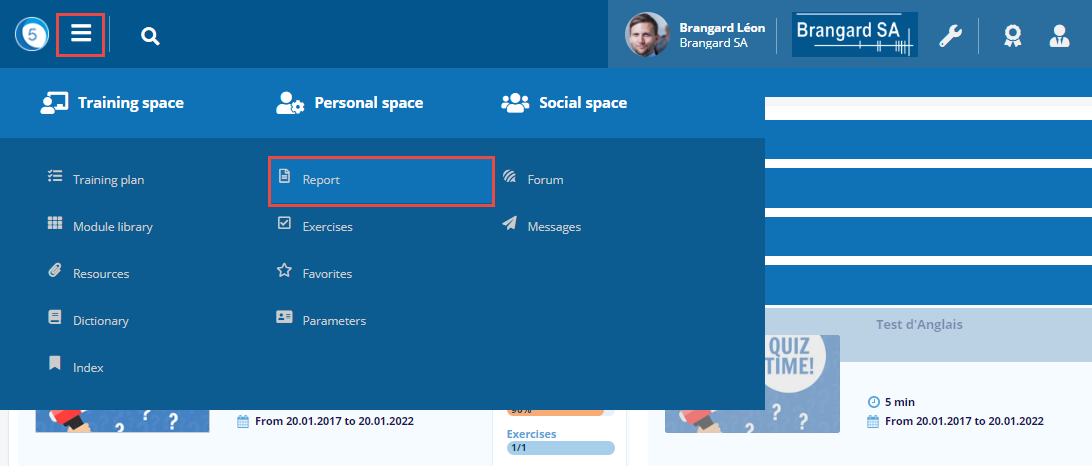
Click on the Burger menu then on Report in the Personal space.
Personal report
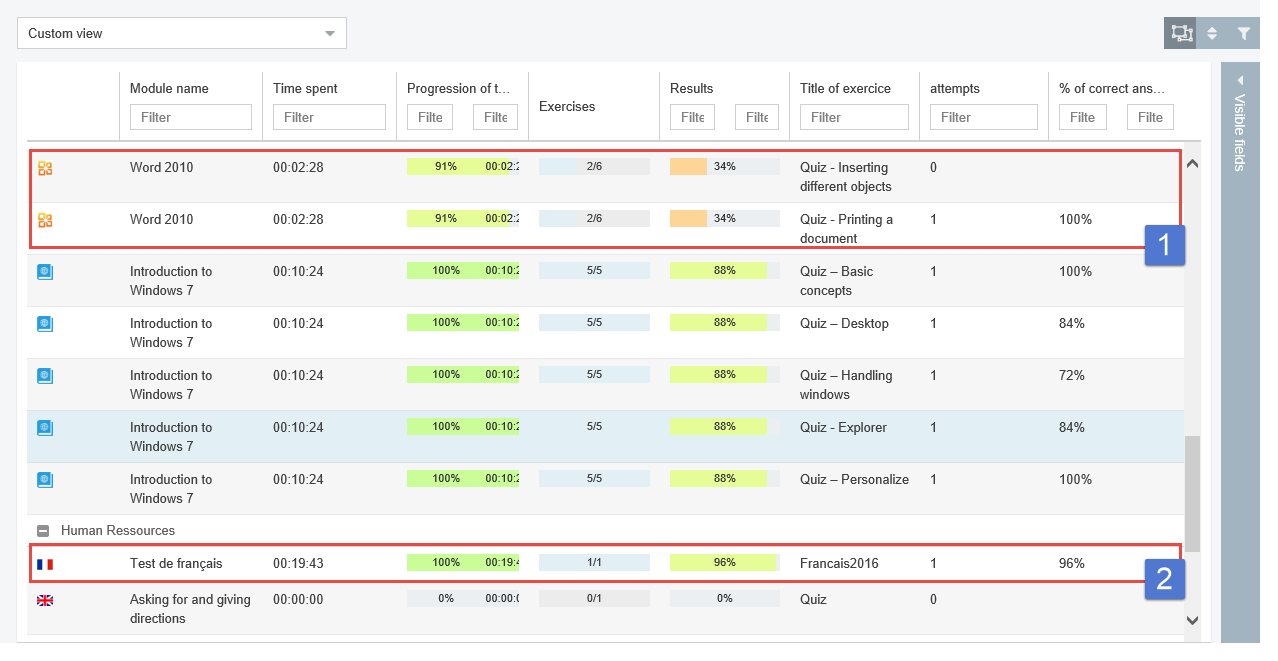
For each module to which the user is registered, there is at least one instance of the module. The number of instances of the module depends on the number of exercises in the module.
- One quiz only in the module.
- Several quizzes in the module.
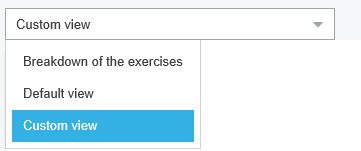
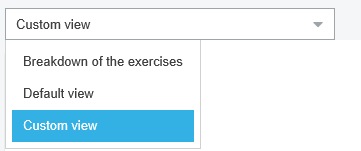
Different views
Making use of an existing view thanks to a drop-down list.
Or personalize the display of the information.


Personalization
Or personalize the display of the information with the help of filters and the sorting out or with the help of the following buttons:
- by displaying or not the regrouping cursus by cursus
- by restoring the initial order
- by de-activating the filters
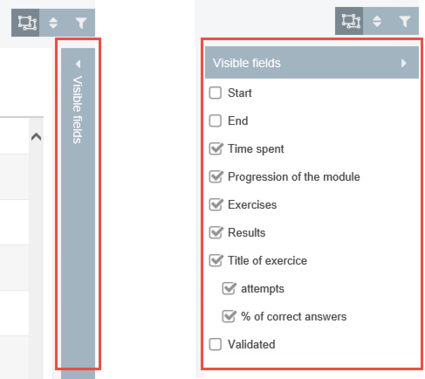
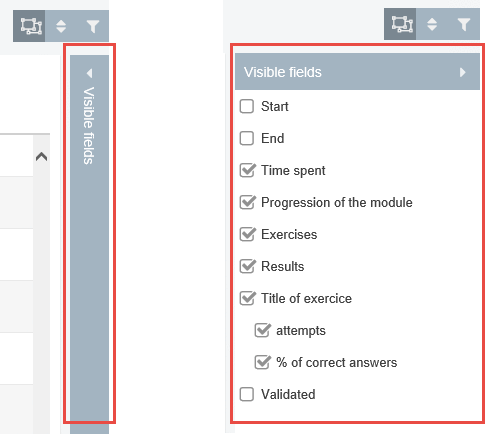
Selection of visible fields
Click on the strip to the right so that the list of available fields appears and select the desired fields.