
 FR
FR DE
DE EN
EN


Creation of an annexe
The integration of annexes in a lesson is done also thanks to hypertext links.
To create an annexe on a word or group of words:
- Select it
- Open dialogue box Insert hypertext link with keyboard-shortcut Ctrl+K
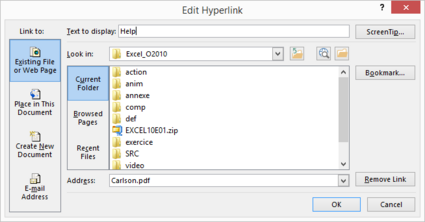
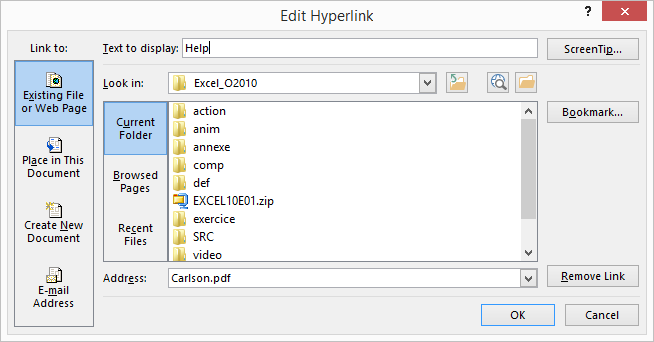
Dialogue box. Insert an hypertext link with creation of a link lien on an annexe.
- enter the name of the file in the area address (without selecting it), the latter being registered in the annex folder. It is advised for the annexes, to name them in a significant way so that they can be identified easily
The colour of the annex is that of the hypertext link in the scheme of colours.
When the user has clicked on an annexe, the colour of the link changes (colour of accentuation of the link visited of the scheme of colours).
Warning! Use names of annexes without spaces or characters with accents.
Still more, the name of the annexes must not start with « comp » « def » or « http:// », risking to be recognised as a complement, a definition or an Internet link by myTeacher.
The integration of annexes is identical in the actions.
Pay attention to the size of the file: we recommend not go beyond 150 Ko.
For the moment, the annexes are not available for the mobile version of myTeacher.