
 FR
FR DE
DE EN
EN


Creation of a quiz myTest
In the main document, the slide quiz myTest must contain the name of the lesson in the title followed by exercice between brackets.
It must also contain a rectangle (automatic form rectangle) centred vertically and horizontally relatively to the page.
This rectangle must contain the name of the file corresponding to the name of the file myTest of the folder exercise without the extension (myTest 01, myTest 02 or other significant name).
The slide quiz is a hidden slide.
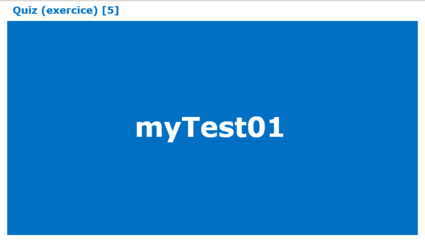
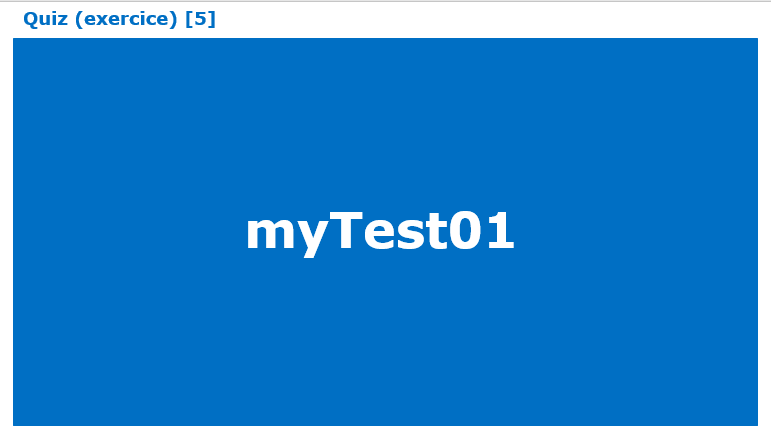
Quiz
One can ad in the title between brackets the number of questions which one wishes to display in myTeacher. By default, if the number is not stated, myTeacher displays all the questions.
Example: if you create 7 questions and choose to display 5 of them in myTeacher, the system will show 5 questions from among the 7 chosen in a random way.
If the frame reserved for the quiz myTest is sufficiently big and if the screen resolution of the users allows it, the background of the slide will appear in myTeacher.
The quiz myTest is conceived in the platform myTeacher which allows to generate a zip file, which needs to be registered in the folder Exercice.