
 FR
FR DE
DE EN
EN


myRenda
The application myRenda allows to convert the PowerPoint presentations in the formats HTLM5, for the purpose of visualizing the content in the training platform myTeacher.
For information on how to install myRenda and how to enable or disable the HTML5POINT component, see the documentation below.
Warning! When you launch myRenda, PowerPoint closes down without registering the modifications. It is therefore advised, before launching myRenda, to register and close the PowerPoint files.
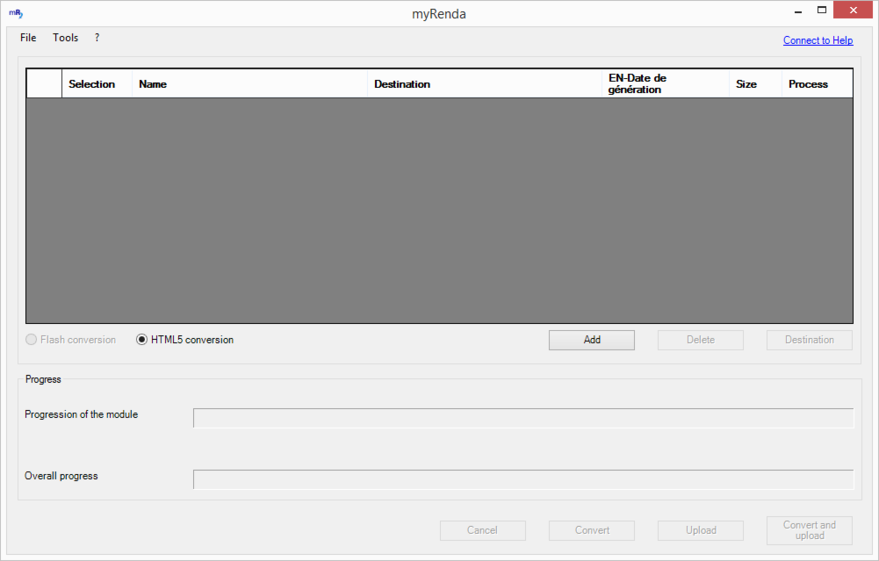
myRenda
Functions covered by myRenda:
- to convert PowerPoint modules in HTML5
- import the modules in myTeacher
- convert the modules PowerPoint HTML5 and import them directly in myTeacher
The content realised with myRenda, option HTML5, are compatible with the last navigators of the market compatible HTML5.
The Interface and the processing possible with myRenda are described in the following items.
Click on the different items in the strip to the left of Help myTeacher for more explanation.