
 FR
FR DE
DE EN
EN


Exercises
The function Exercises is reachable via Personal Space. This item allows the user to visualise the different attempts at exercises of his/her modules.
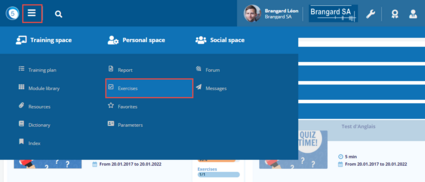
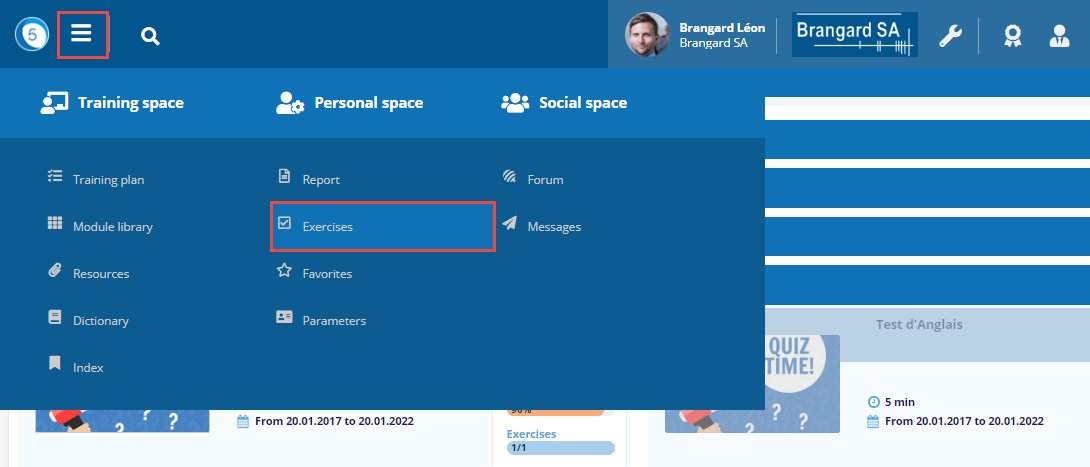
Access to exercices
Click on the Burger menu then on Exercices in the Personal space.
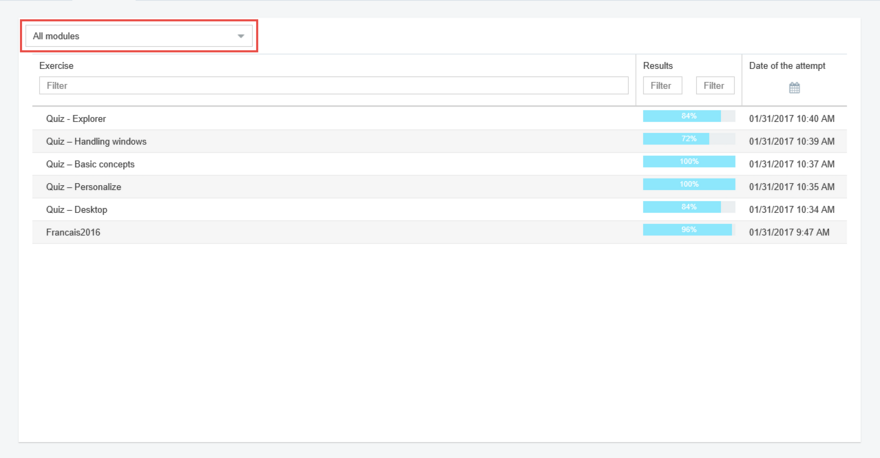
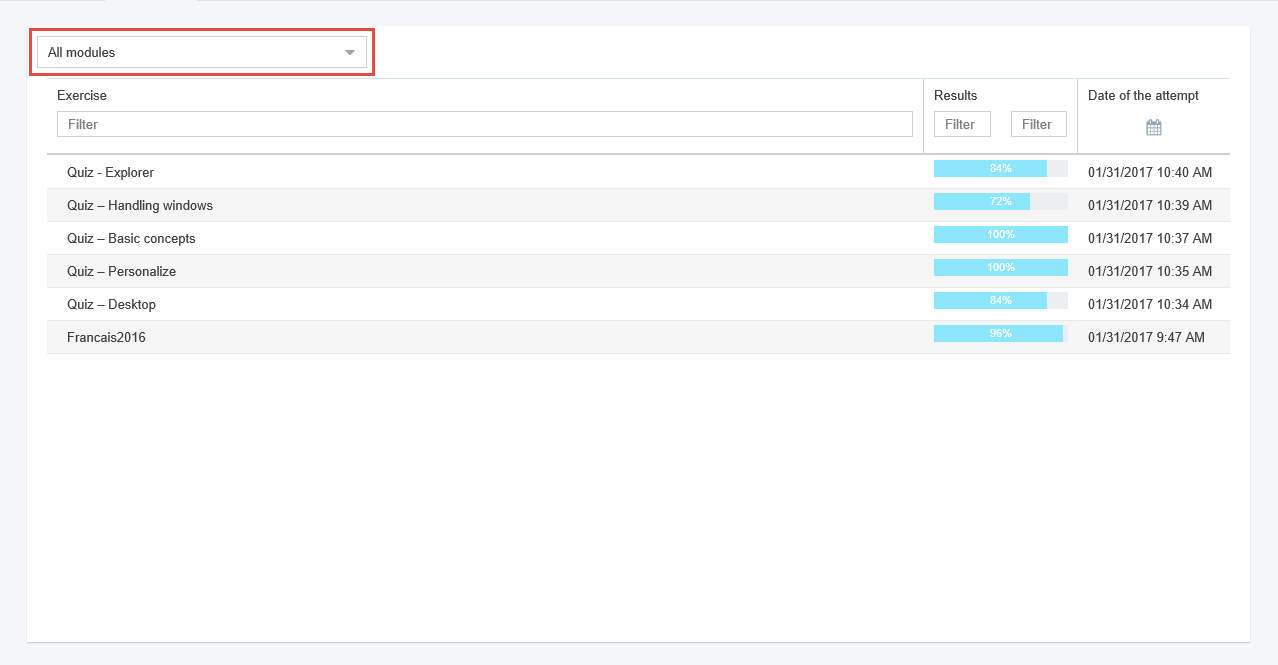
List of attempts
Choose in the drop-down list the desired module or All the Modules.
Each line corresponds to an attempt at a quiz, the result which was obtained as well as the date and hour of the attempt are shown.
These lines can be clicked; they allow to visualise the results of the attempt clicked upon.
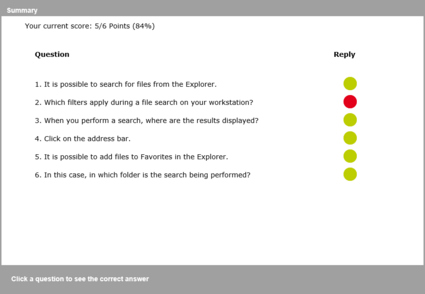
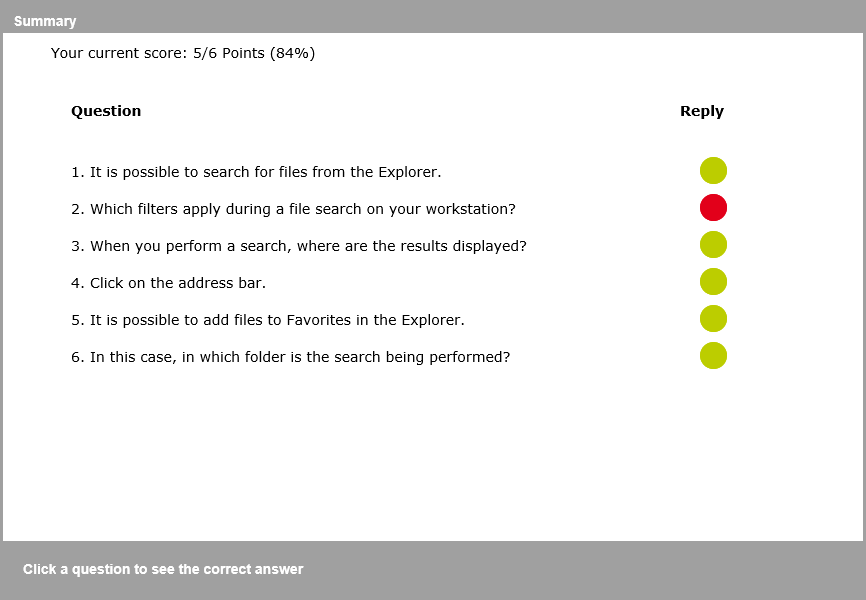
Click on an attempt
Close this window to go back to the list of attempts.
To have access to this function, the user must have the right: Visualize a past quiz (Management of roles).
Moreover, at the level of the module in the cursus, the box Visualize a past quiz must be checked (Management of modules/cursus).