
 FR
FR DE
DE EN
EN


Integration
This function allows to integrate the zip created by myRenda directly in the platform myTeacher
For that, the address of the platform myTeacher must be given.
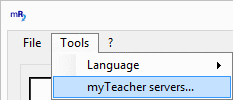
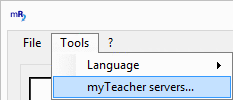
Menu Tools
To verify and complete eventually the address of the platform myTeacher click on the command Servers myTeacher in the menu Tools.
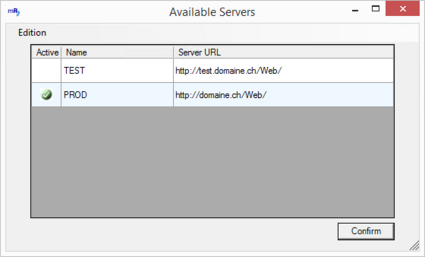
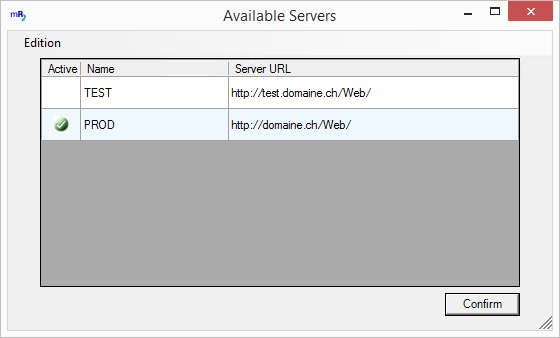
Available servers
In the window which appears, verify the address of the platform myTeacher.
Eventually enter a new address via the menu Edition.
If, by default, the user and the connection mode user do not allow to be connected, a window Connection to the platform appears.
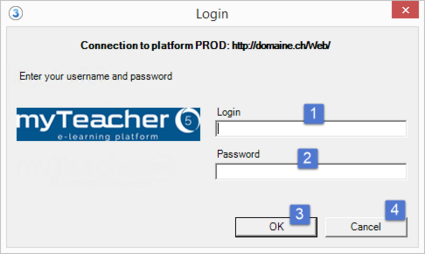

Window Login
Enter a login and password administrator, and then validate with OK.
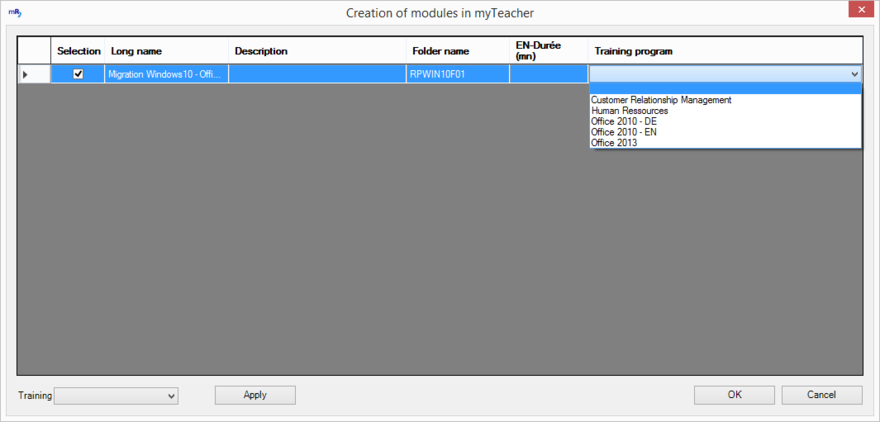
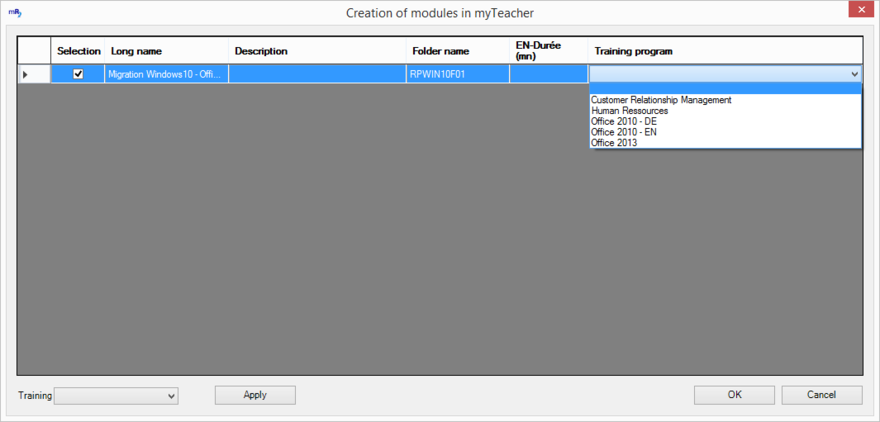
Creation of module
In the case the module does not exist yet in myTeacher, myRenda proposes that you integrate it automatically and then display a window to give some useful information such as:
-
the short name of the module, taken again by default in the subtitle area of the first slide of the module
-
the long name of the module, taken again by default from the title area of the first slide of the module
-
the description of the training (empty by default)
-
the duration of the training (empty by default)
-
the cursus in which the module must be integrated.
-
select several modules and apply, with a click, a cursus to all the selected modules.
Complete or modify the fields of this window and click on OK to validate.
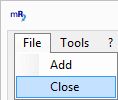
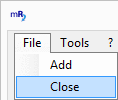
Close myRenda
To quit the application myRenda, click on the cross on top to the right or on the command Close of the menu File.