
 FR
FR DE
DE EN
EN


Conversion
In terms of compounds installed on your desktop, you can choose the format of conversion (Flash or HTML5)
The choice must be done before the launching of the processing. The choice is memorised by the application MyRenda. At the next launching of the application MyRenda, the choice will be pre-selected.
Once the module(s) are selected, choose the processing to be done:
- convert : in order to convert a module PowerPoint into a module myTeacher
- integrate : in order to integrate in the registered platform myTeacher the module myTeacher created with myRenda
- convert and integrate in order to realise the two previous operations subsequently
During the time of processing the module, the progress bars indicate the progression of the processing.


Progression
- The first bar represents the progression of the current module.
- The second bar represents the progression of all the selected modules.
In order to cancel the current conversion, click on Cancel.
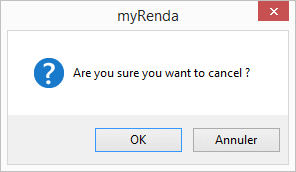
To cancel the conversion
Validate the current cancellation with the button OK.
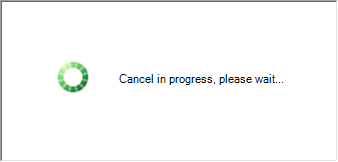
Current cancellation
Please be patient during the cancellation of processing.
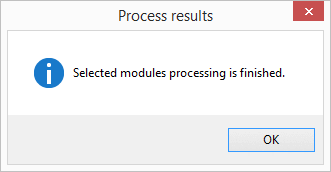
Results of processing
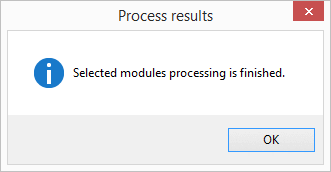
At the end of processing MyRenda, a window appears to display the status of processing.
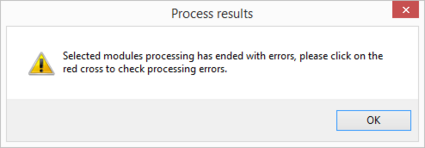
Results of processing with mistake
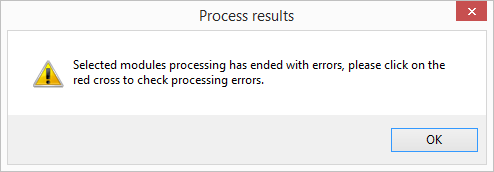
In case of a mistake, a message informs you and a red cross is displayed on the line of the module with a mistake.
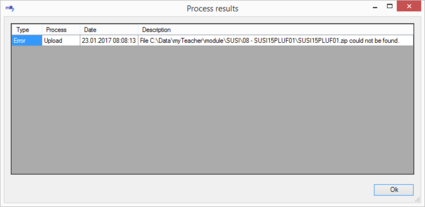
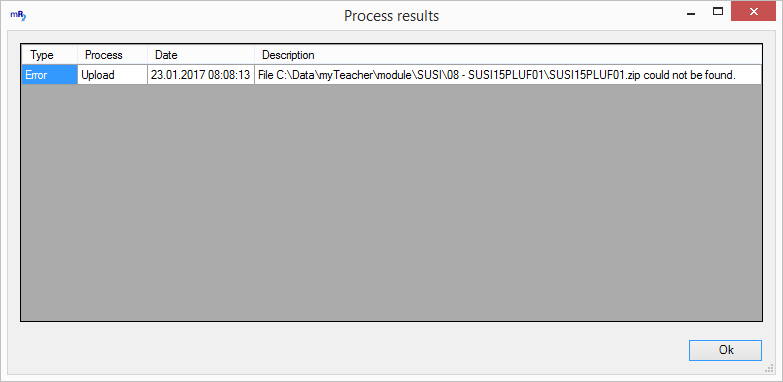
Detail of mistake of processing
Double click on the cross to display the detail of the mistake.