
 FR
FR DE
DE EN
EN


Link e-mail
In myTeacher, it is possible to create emails links, that is to say a link allowing to send a mail from the software email installed on a desktop, thanks to the hypertexts links of PowerPoint (shortcut-keyboard: Ctrl + K).
For the link to function correctly, one must fill in the text mailto: followed by the address of the email software.
Example: mailto:support@cerfi.ch
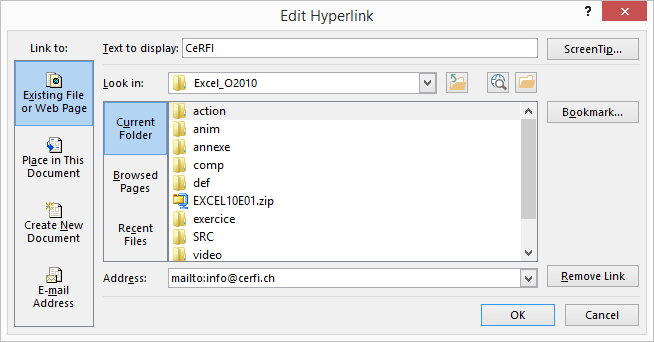
Dialogue box. To insert a link hypertext with creation of a link email.