
 FR
FR DE
DE EN
EN


Link inter-lessons and inter-modules
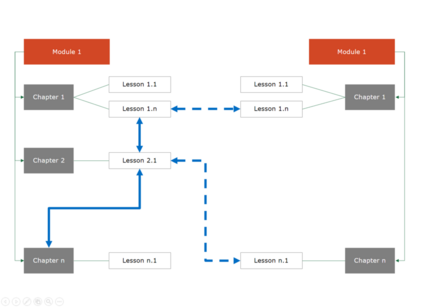
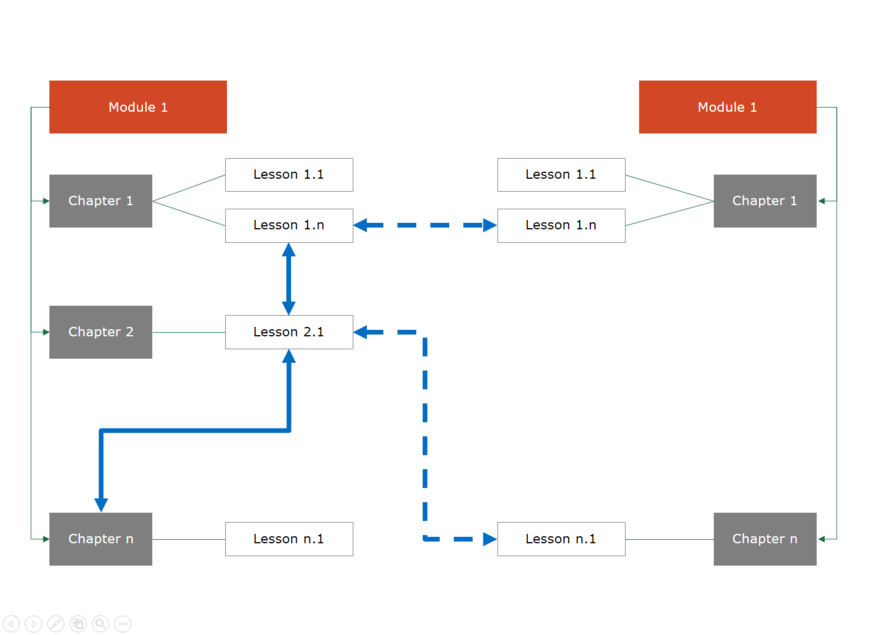
Example of file-tree of modules with links inter and intra-modules
In myTeacher, it is possible to create inter-lessons links (also called intra-modules, in blue, plain lines in the schema) or inter-modules links (in blue, dotted lines in the schema) thanks to hypertext links of PowerPoint (shortcut–keyboard: Ctrl+K).
It is possible to create inter-lessons links or inter-modules on text areas, of text (word, group of words) or most of the automatic forms. The link is defined in the following way:
- ID of the module (which must be quite identical with the name of the folder of the module on the platform of myTeacher) or, if the link points to the module itself, simply the term module
- "; " (semicolon)
- n° of the chapter. (full stop) n° of the lesson
Example: GESTEMPSF01;1.3
Be aware, the use of the links intra-module or inter-module must be clear to the user so that he/she will not lose it in the navigation.
Most of the learners do not see the new tab accompanying the opening of the module and find themselves lost in the content.
If a learner has not subscribed to the linked module, a window informs that the module is not accessible.
For create a link intra-module or inter-module to a lesson which is not in a chapter or to a lesson of a module not having a chapter, define the link in the following way:
- ID of the module or, if the link points to the module itself, simply the term module
- "; " (semicolon)
- n° of the lesson
Exemple: GESTEMPSF01;3
To create a link intra-module or inter-module to the foreword lesson which is at the beginning of the module but not in the chapter, define the link the following way:
- ID of the module (which must be quite identical with the name of the folder of the module on the platform myTeacher) or, if the link points to the module itself, simply the term module
- "; " (semicolon)
- n° of the chapter (here chapter 0). (full stop) n° of the lesson (here lesson 1)
Exemple: GESTEMPSF01;0.1
The links to the lessons 0, 0.0 or any incorrect hierarchy directs to the summary of the module.
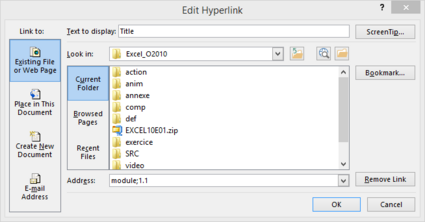
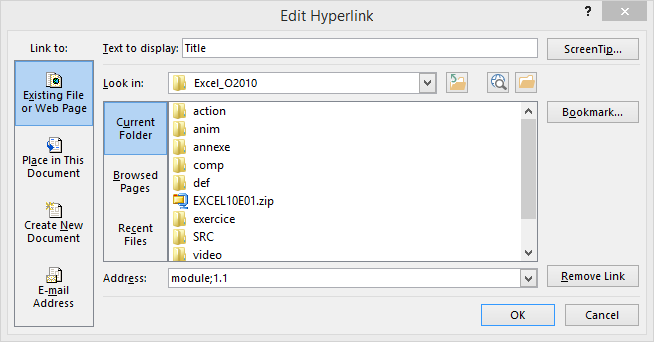
Dialogue box. To insert a link hypertext with creation of a link intra-module
Example of link to the lesson 1.1 of the same module.