
 FR
FR DE
DE EN
EN


Lesson with integrated navigation
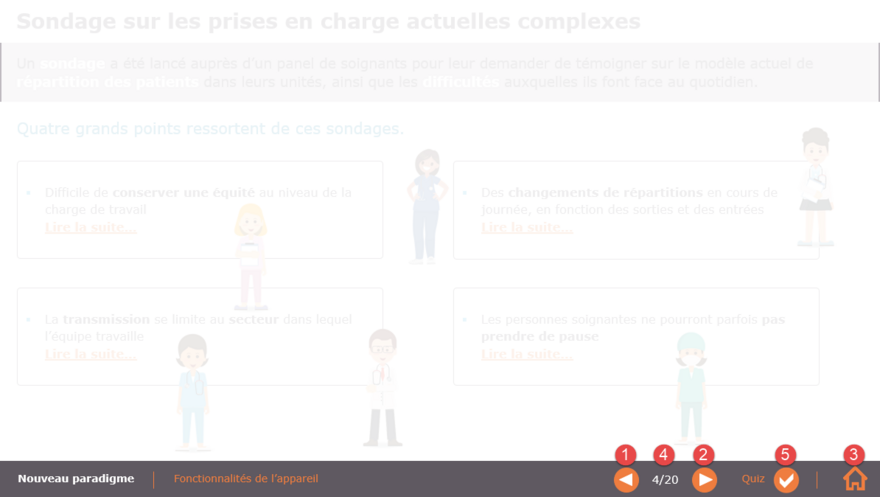
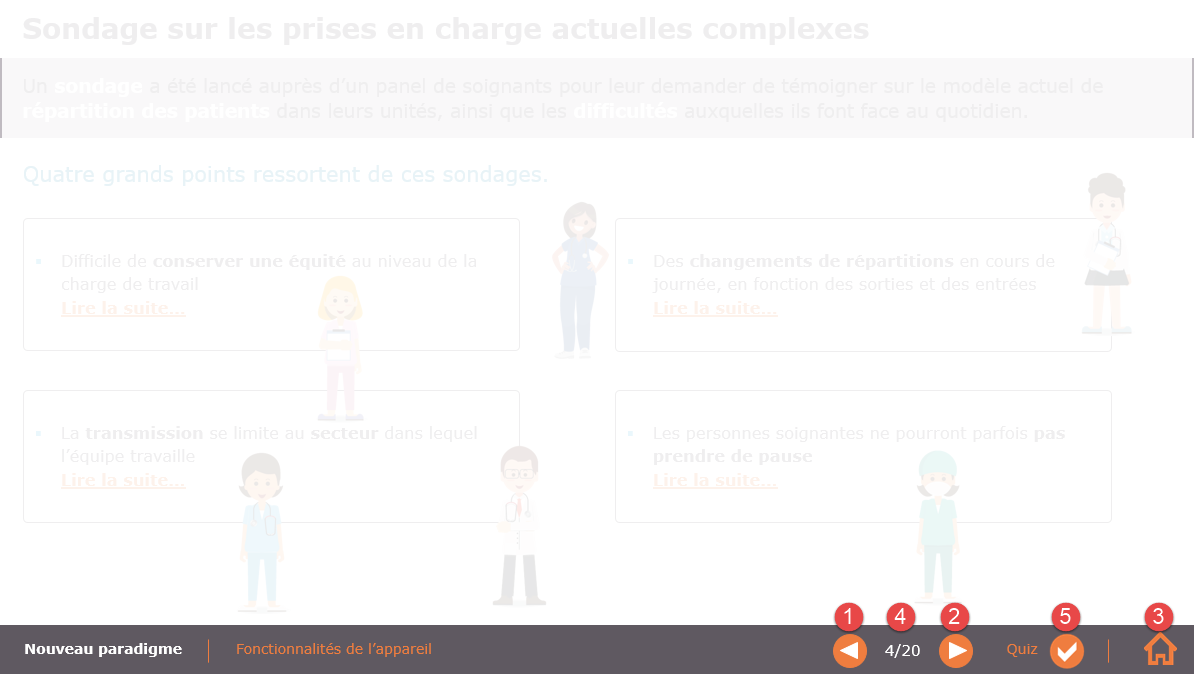
Sample lesson with integrated navigation
myRenda (since version 2.1.27) supports integrated navigation in the module.
That is, instead of using myTeacher's navigation arrows (to switch from one lesson to another), you can create your own navigation within the module, using specific links intra-modules (also called links inter-lessons).
| 1 | Use the Hyperlink (module;prev) to go to the previous lesson. |
| 2 | Use the Hyperlink (module;next) to go to the next lesson. |
| 3 | Use the Hyperlink (module;home) to go to the first lesson of the module. |
| 4 |
In a text box, write the keyword page for a current lesson counter, the keyword pages for a total lesson counter. For example, if you write page/pages, then after myRenda grinding, you get in the module 4/20 etc. |
| 5 | Traditional link to a specific module lesson (module;3.2) for example. |