
 FR
FR DE
DE EN
EN


Lesson with list of bullets
Pay attention to the set back of bullets when using areas of texts; it must be the same for all the slides.
Making use of the bullets
Bullets of level 1
- Make use of at least 2 bullets of level 1.
- If this is not possible, replace the bullet of level 1 with an area of text.
Bullet of level 2
- Make use of at least 2 bullets of level 2 after a bullet of level 1.
- If this is not possible, pull up the text to level 1.
To facilitate the reading on the screen, we recommend that you limit as much as possible the punctuation marks and the use of capital letters.
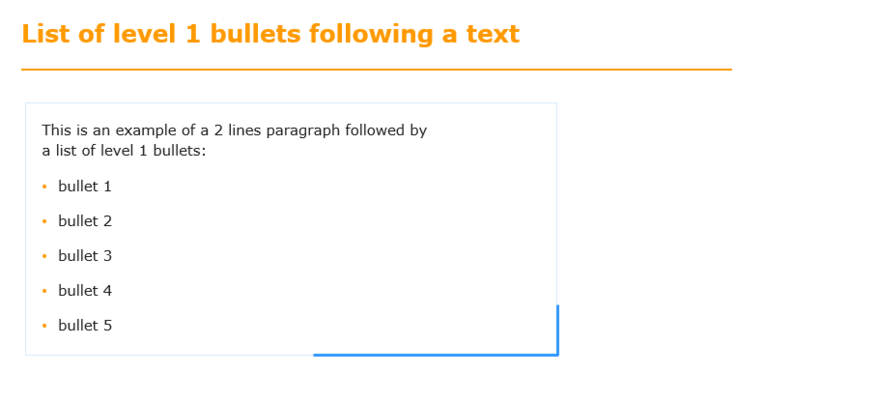
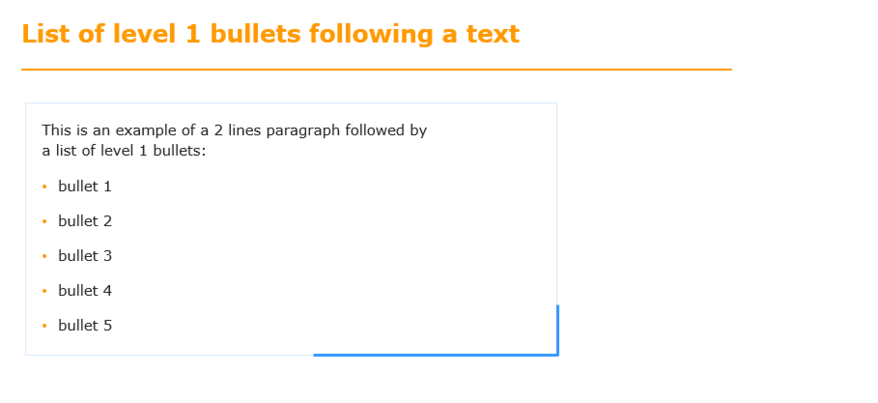
List of level 1 bullets following a text
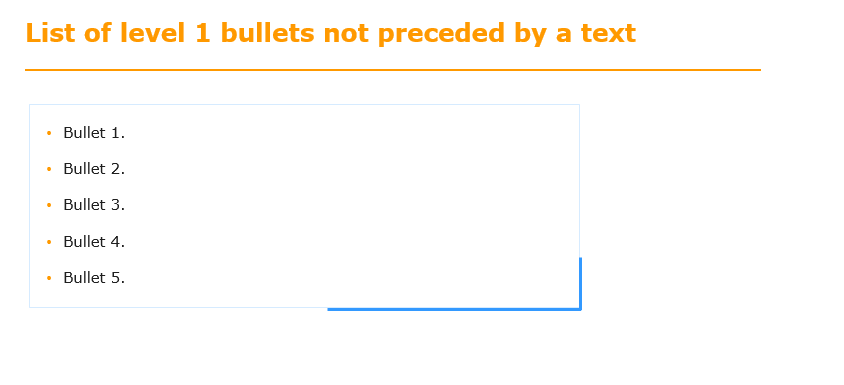
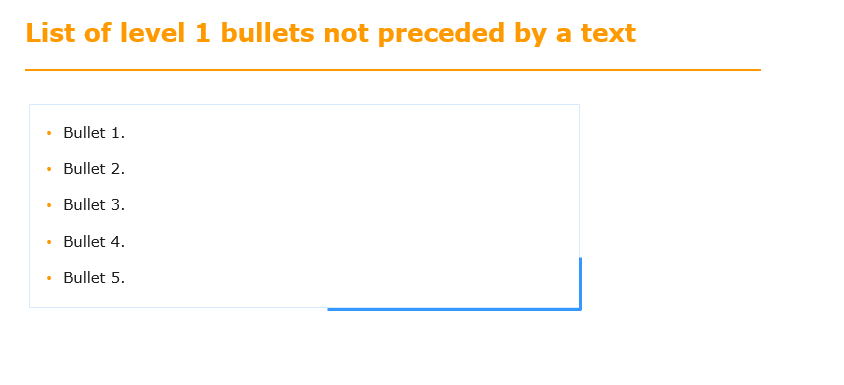
List of level 1 bullets not preceded by a text
When converting HTML5, the personalized bullets are not correctly interpreted; you are advised to make images placed to the left of the different blocks of text.