
 FR
FR DE
DE EN
EN


Screen Add
There are two possibilities to add modules in the list:
- in the menu File, click on Add…
- click on the button Add in the main screen
To research a folder
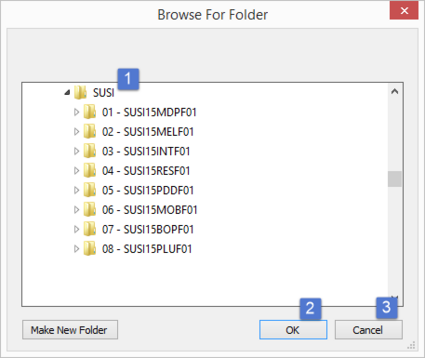
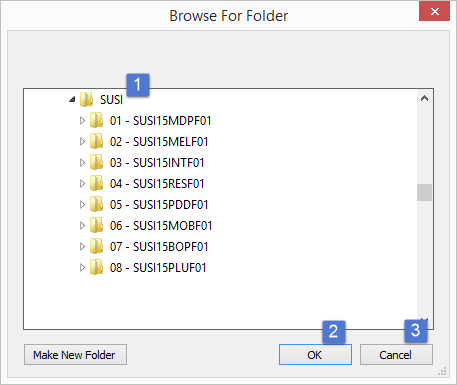
The dialogue box To search for a folder is opened.
- In the files tree, select the folder containing the modules.
- Click on the button OK to validate.
- Or click on the button Cancel to close the dialogue box and to select no module.